 Nextra
Start
Offline: read-only
#Offline: read-only
Without a connection (a train, a building site, a plane) the app still opens, and the last five projects you opened on this device can be looked at. Nothing can be changed: edits, runs, files and the assistant need the server.
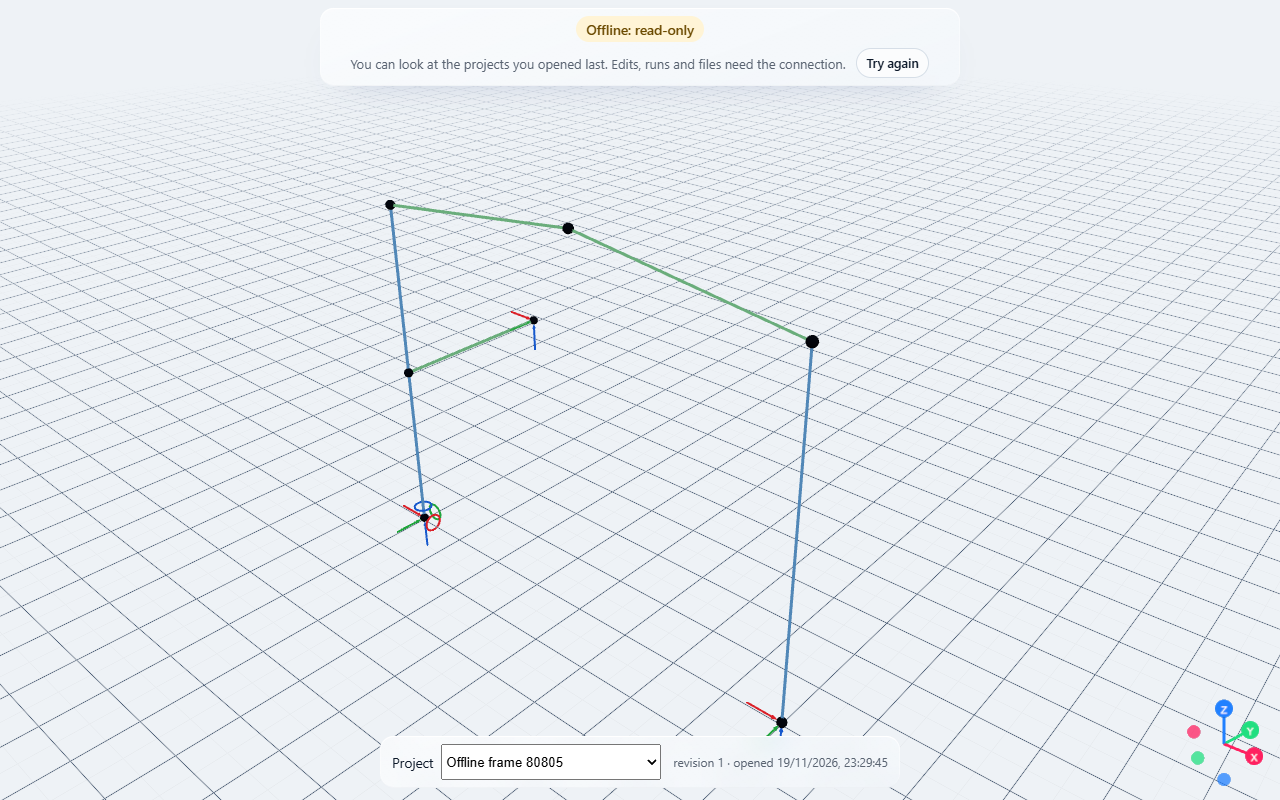
- The banner at the top says Offline: read-only. Try again reloads: with the connection back, the editor opens as usual.
- Project at the bottom switches between the projects kept on this device, with their revision and when you opened them.
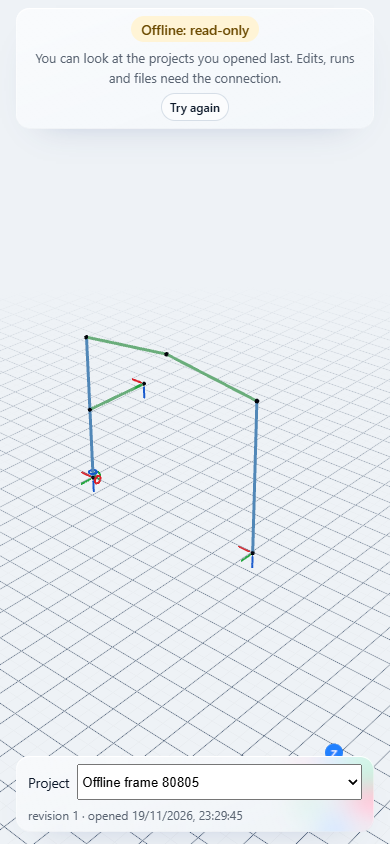
- The view turns, pans and zooms as always (mouse or fingers); tapping selects, but there are no tools.
#What is kept, and when it is forgotten
- A project is kept when you open it while online: the model as it was then (the revision shown). Results, files and pictures are not kept.
- At most five projects; opening a sixth forgets the oldest.
- Everything kept is forgotten when you sign out, when another account signs in on this browser, and when the app finds no session. A project you deleted, or one you no longer have access to, is forgotten the next time the app asks for it.
- Only this browser on this device keeps them (the browser's own storage for this site). Clearing the site's data in the browser removes them too.
#Installing the app
The app can be installed like an app (a web app): on a phone, Add to Home Screen in the browser's share menu; on a computer, the install button in the address bar. It then opens in its own window, offline too.