Nextra
Modelling
Geometry operations
#Geometry operations
Draw first, decide later, as in Rhino. Line, Polyline, Rectangle and Polygon draw plain geometry: lines and outlines with no material or role yet. Shape them with the operations below, then assign them as members, supports, slabs or load panels (Draw and edit geometry). Every operation is one undo step (Ctrl+Z).
#Where they are

| Group | Operations |
|---|---|
| Curves | Line, Polyline, Offset curve, Fillet corners, Chamfer corners, Close curve, Rebuild curve, Extend to boundary, Curve boolean, Divide curve, Curve intersections |
| Surfaces | Slab from points, Boundary, Extrude curve, Revolve, Sweep |
| Transform | Move, Transform, Mirror, Rotate, Scale, Array, Project (to the workplane) |
| Analyse | Measure (length, area, centroid) |
Groups with more commands than fit show More ▾; the ribbon never scrolls sideways.
#How to use one
- Pick the shapes: click one; Shift + click adds more. The side panel shows the plain geometry card.
- Choose the operation: on the ribbon, or in the card's Tool list.
- Type its values (a distance, a count, an angle, a vector) and press Apply (or Enter).
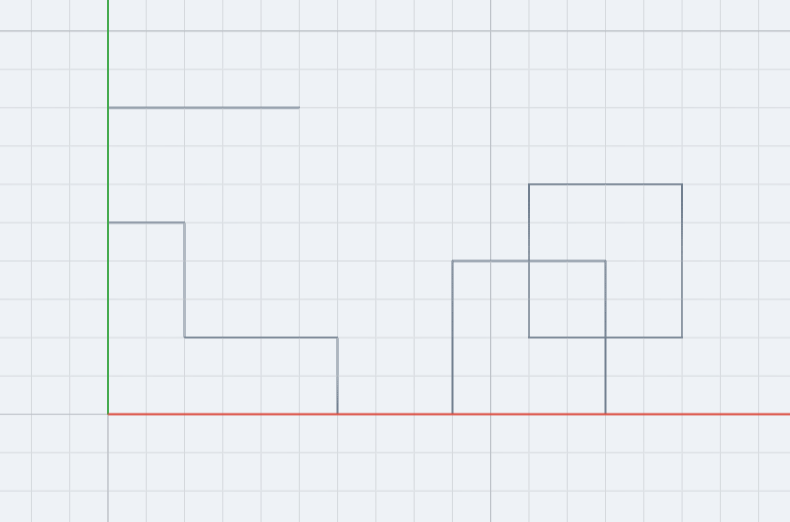
The examples below start from these shapes, typed point by point (Polyline and the bar at the bottom of the view:
0, 0, 0, then 6, 0, 0 …; back to the first point closes the outline):
#Curves
#Offset
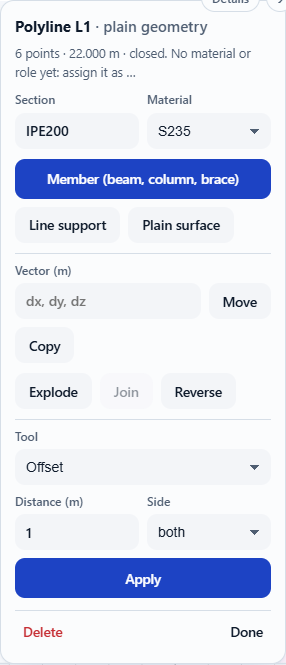
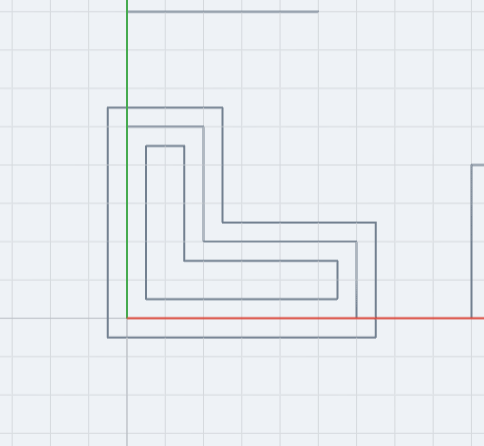
A copy of the curve at a distance: to the left, right, both sides, or for a closed outline inward / outward. Corners stay sharp.
#Fillet and chamfer corners
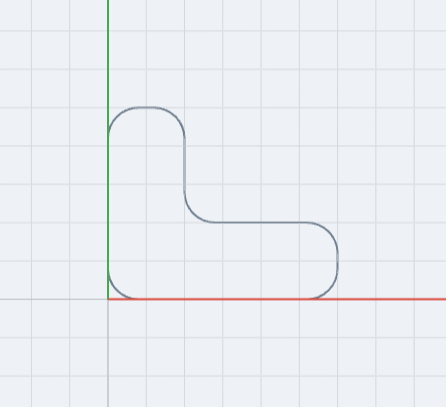
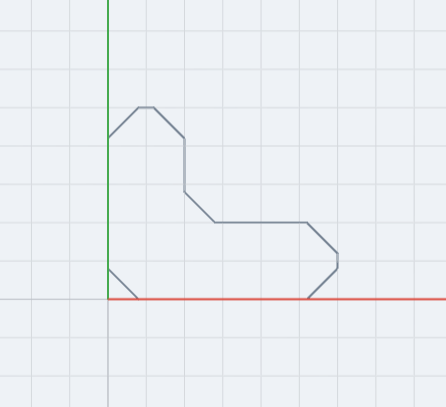
Every corner rounded with a radius, or cut with a straight edge of a size.
| Fillet 0.8 m | Chamfer 0.8 m |
|---|---|
 |
 |
#Curve boolean
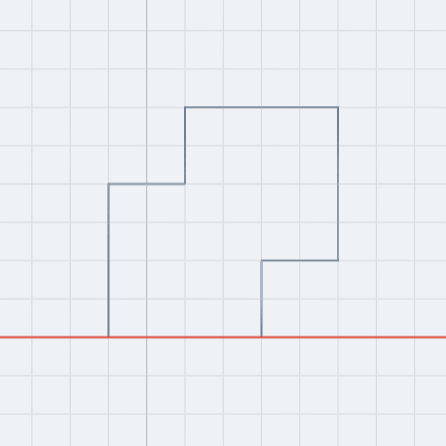
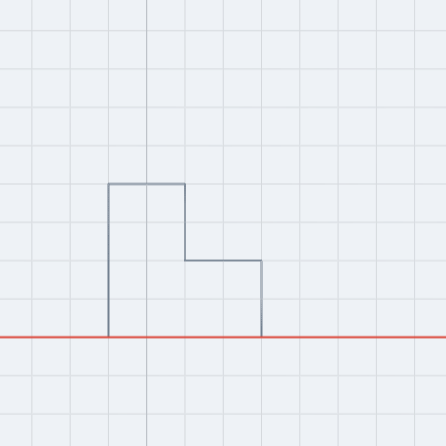
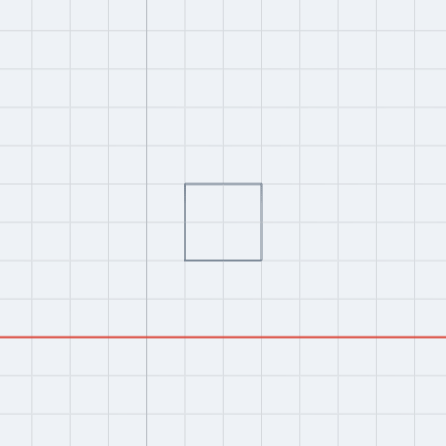
Pick two closed outlines, the first then the second (Shift + click): union, difference (the first minus the second) or intersection. The result replaces the two.
| Union | Difference | Intersection |
|---|---|---|
 |
 |
 |
#Divide and intersections
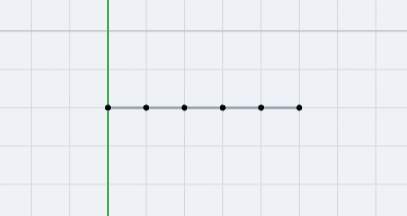
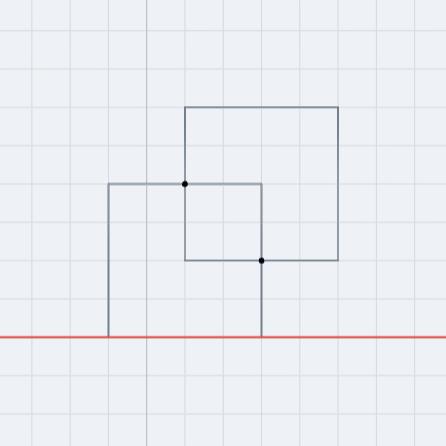
Divide curve puts points along it, by a count of pieces or every so many m. Curve intersections puts a point where the picked curves cross. Those points snap, so lines drawn next start there.
| Divide into 5 | Where the squares cross |
|---|---|
 |
 |
#Close, rebuild, extend
- Close curve: joins the last point to the first.
- Rebuild curve: the same shape with a number of evenly spaced points.
- Extend to boundary: pick the curves to extend, then the boundary last; their ends run on to it.
#Surfaces
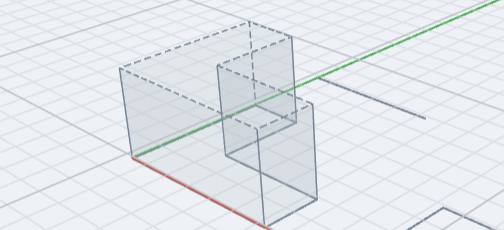
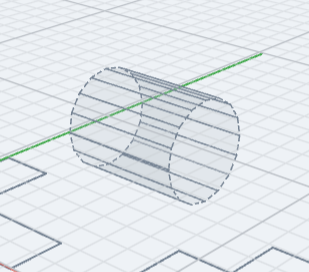
Extrude curve sweeps a curve along a vector into plain surfaces; Revolve turns it about an axis (a point, a direction, an angle and a number of segments); Sweep runs a profile along a rail (pick the profile, then the rail).
| Extrude the L 3 m up | Revolve a line about a parallel axis |
|---|---|
 |
 |
Plain surfaces become slabs, walls or load panels with Assign as … on the card.
#Transform
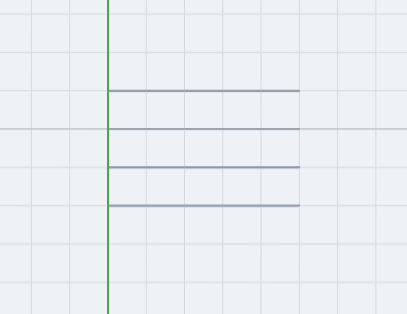
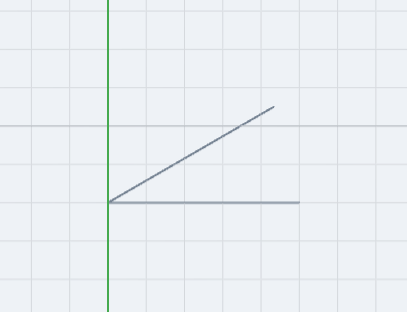
Array (a count and a vector, or Polar about an axis), Rotate (a centre, an axis, an angle), Mirror (a point and the plane's normal), Scale (one factor, or fx, fy, fz) and Project (flat onto the workplane). Tick Copy to keep the original.
| Array of 4, 1 m apart | Rotate a copy 30° |
|---|---|
 |
 |
For a quick move, rotate or extrude, drag the gumball instead, or click one of its handles and type the value: the gumball.
#Measure
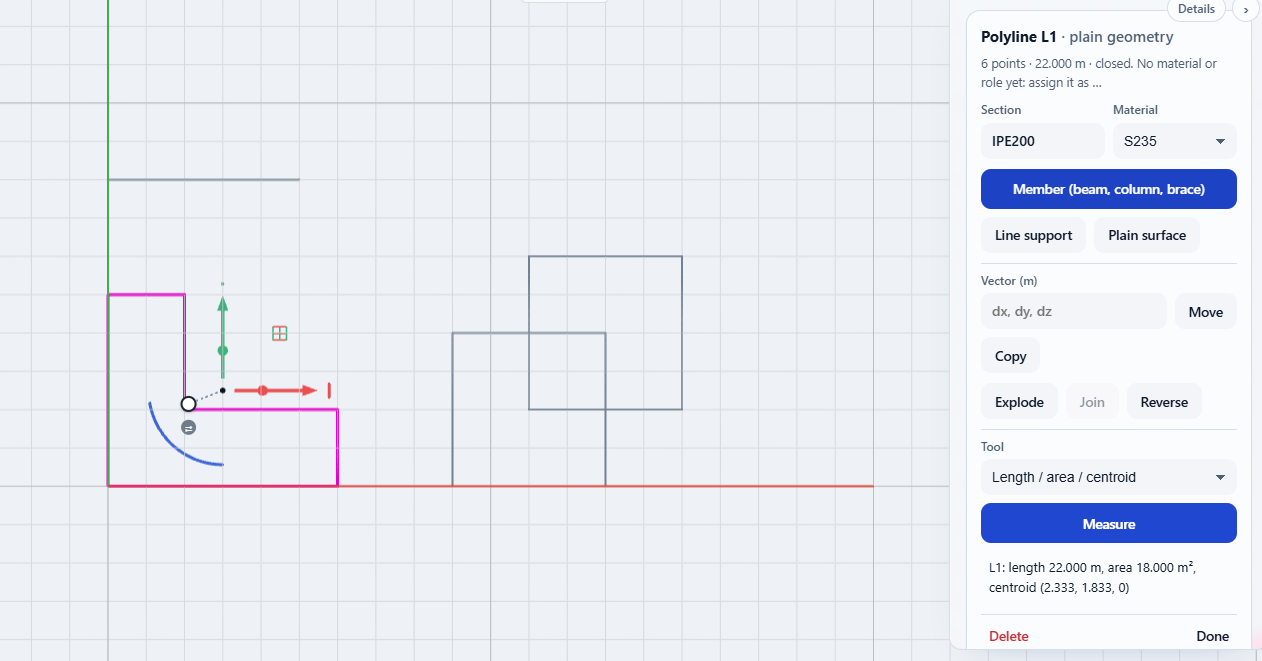
Length, area and centroid of the picked shapes, in the card: