 Nextra
Getting started
Nextra Design overview
What Nextra Design is, what it covers and how the panel is organised.
Nextra Design is a plug-in for Rhino 8 and Grasshopper. It does structural analysis and Eurocode design in the same file as your geometry.
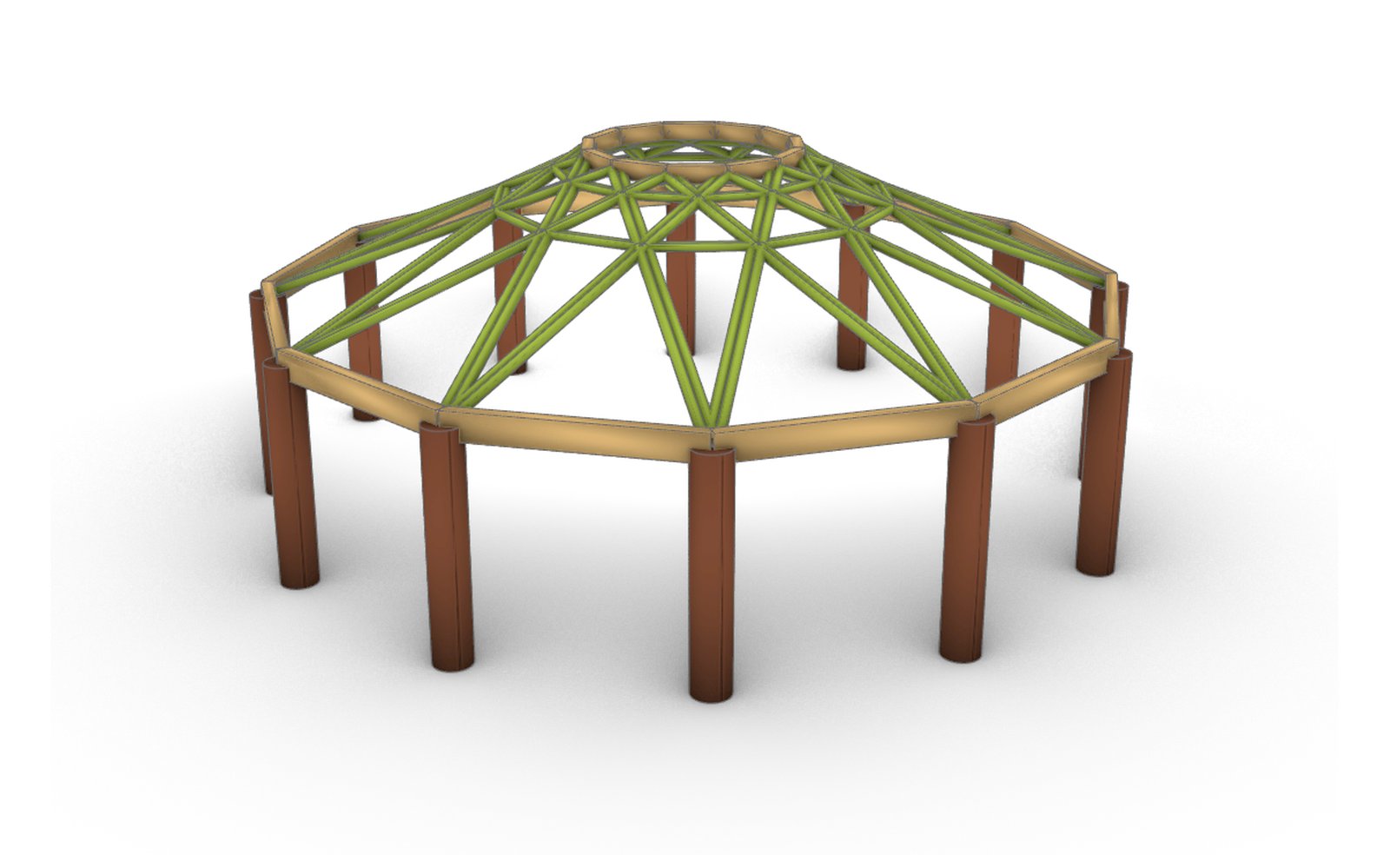
You tag Rhino geometry with structural data (keys that start with Nx_), or you use the Grasshopper components. A calculation engine then builds the finite-element model, solves it and checks it. The engine checks timber to EC5, steel to EC3 and concrete to EC2. It checks bamboo to ISO 22156 and earth to NZS 4297.
:::info Beta Nextra Design is in beta. It is free during the beta and every module is included. :::
#The four steps
- Tag geometry. Lines become members, planar surfaces become shells, plates or walls, and points become supports.
- Run the analysis.
- Read the results as diagrams, contours, reactions and a report.
- Run the design checks.
#What you need
- Rhino 8 on Windows.
- A one-time download of the calculation engine (see Install).
#What it covers
| Area | What is there |
|---|---|
| Elements | Members, surfaces, load panels, free loads, supports, springs, links, rigid parts, mesh controls, connections |
| Loads | Load cases and groups, EN 1990 combinations, load panels, automatic wind to EN 1991-1-4 |
| Analysis | Linear, nonlinear, buckling, modal, response spectrum, long-term concrete, construction stages |
| Design | EC5, EC3, EC2, bamboo, earth, fire, connections, environmental cost |
| National annexes | EN (recommended values), NL, UK, DE |
| Optimisers | One per design code |
#How the panel is organised
The Nextra Design panel has five groups: Model, Analyse, Design, Toolkit and Settings. Each group has its own tabs. Most of what you do happens in these tabs. The same data can also be written with the Nx commands in Rhino.
The header above the groups holds (from 0.1.0-beta.13):
- Model on / off: off shows only the Rhino and Grasshopper objects, with no Nextra elements, loads or results drawn. On brings back what was shown.
- Auto / Rhino / GH / Both: which model the panel shows and runs. See Grasshopper.
- Analysis and Design locks, always shown. open means the model or the design attributes can be edited. When results are loaded the badge turns yellow (Analysis · Unlock, Design · Unlock): the model is locked so the results stay valid. Click it to unload the results and edit again.
Import model and Save model (a .nxd file) are in Model › Model. The report builder is in Toolkit › Report.
#Units
Lengths are in metres, forces in kN and moments in kNm. Section sizes and plate thicknesses are in millimetres. Moduli and strengths are in N/mm². You can draw in metres or millimetres. The exporter converts to metres.
#The engine
The native engine does every analysis. It is checked against closed-form hand calculations when you install it (see Verification). During development it is also compared with a second, independent engine (Kratos); that cross-check engine is not part of the beta download.
#Where to go next
- Install the plug-in and the engine.
- Follow the first model tutorial.
- Browse the examples.
- Read Limitations before you rely on a result.
Last updated 4 Nov 2026