 Nextra
5 materials
Timber, concrete, steel, bamboo and earth design
Timber to EN 1995 with stud walls and CLT, concrete to EN 1992 with reinforcement, steel to EN 1993, bamboo to ISO 22156 and earth to NZS 4297, mixed freely in one model.

 Rhino
 Grasshopper
Draw members and surfaces in Rhino, add supports and loads, and get deflections, forces and design checks in the same window: timber, concrete and steel design to the Eurocodes, plus bamboo (ISO 22156) and earth (NZS 4297). See the environmental cost of every element and let the optimiser find lighter or lower-carbon sections.
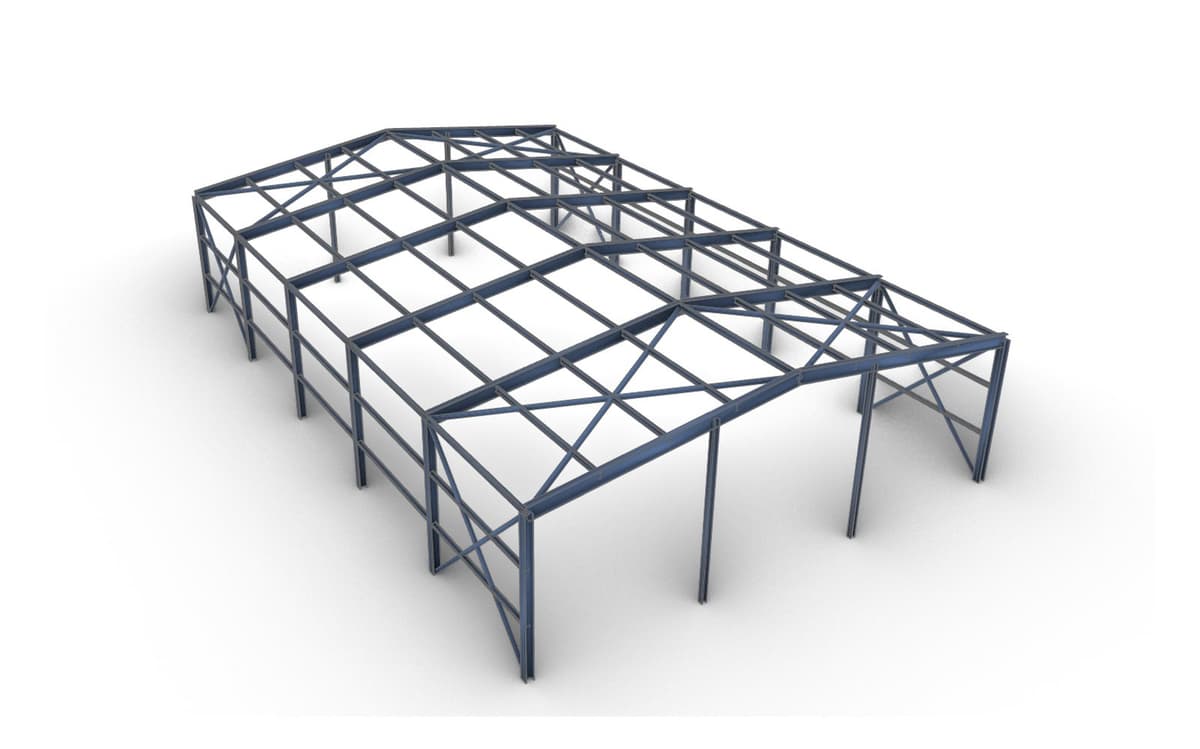
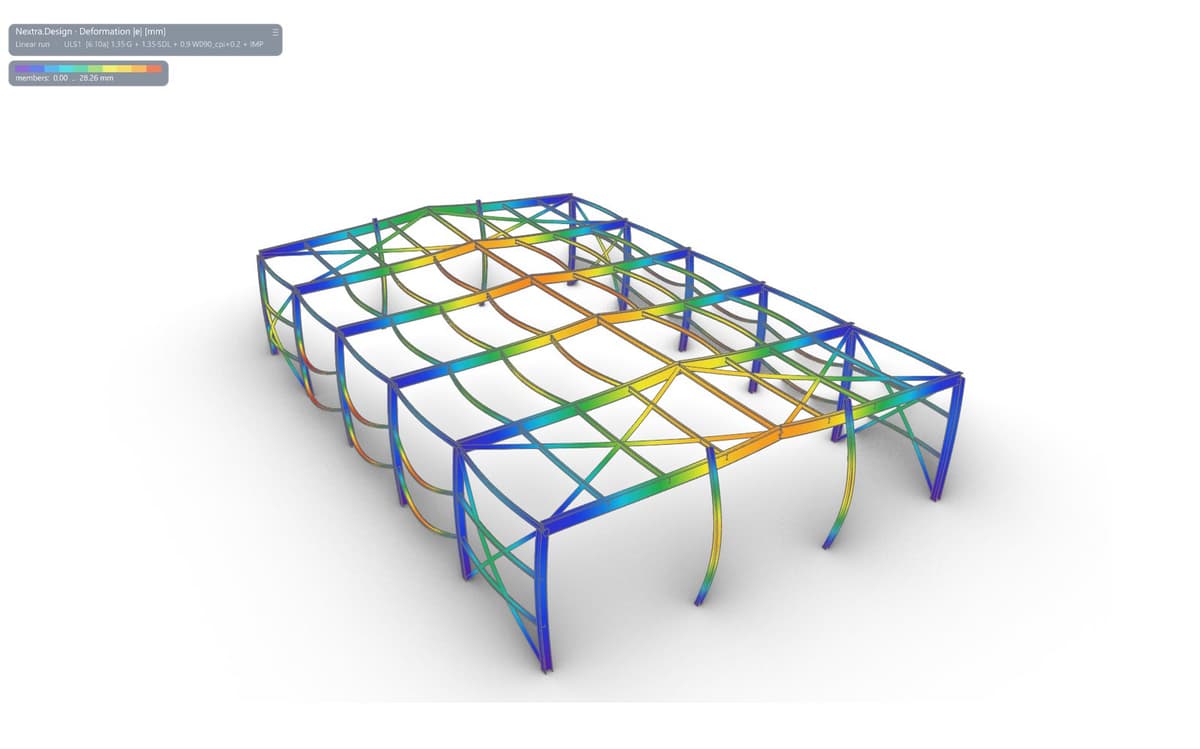
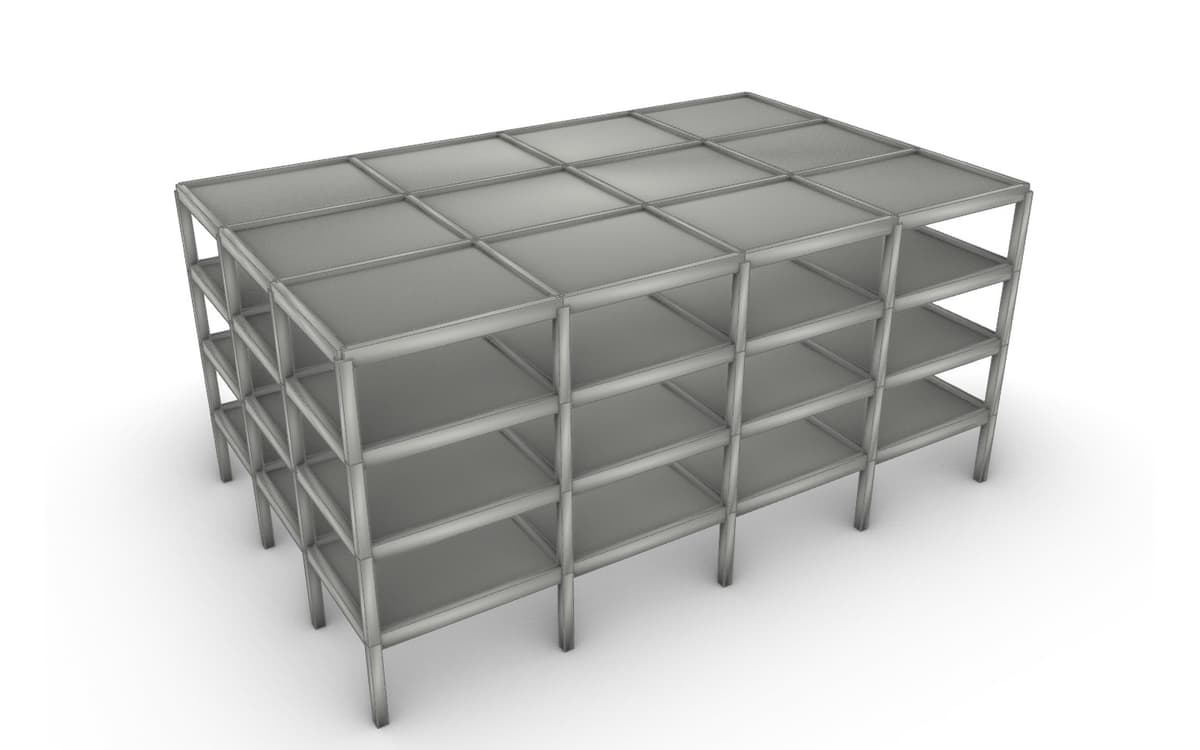
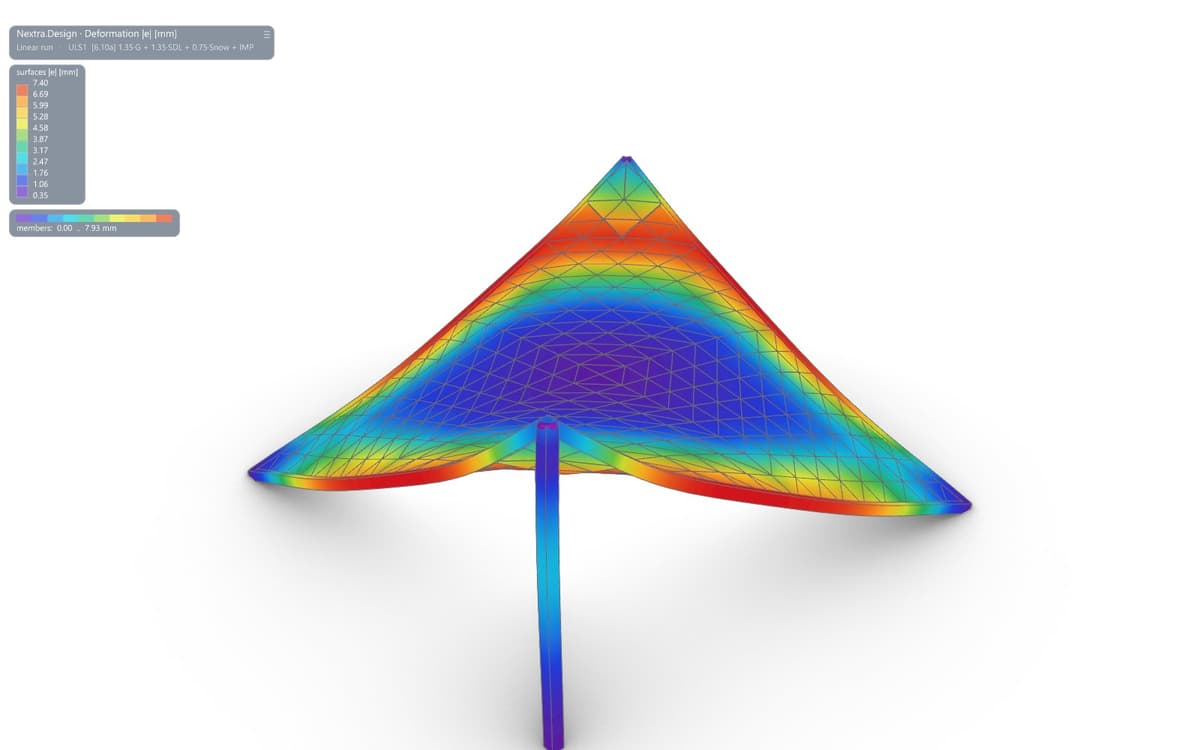
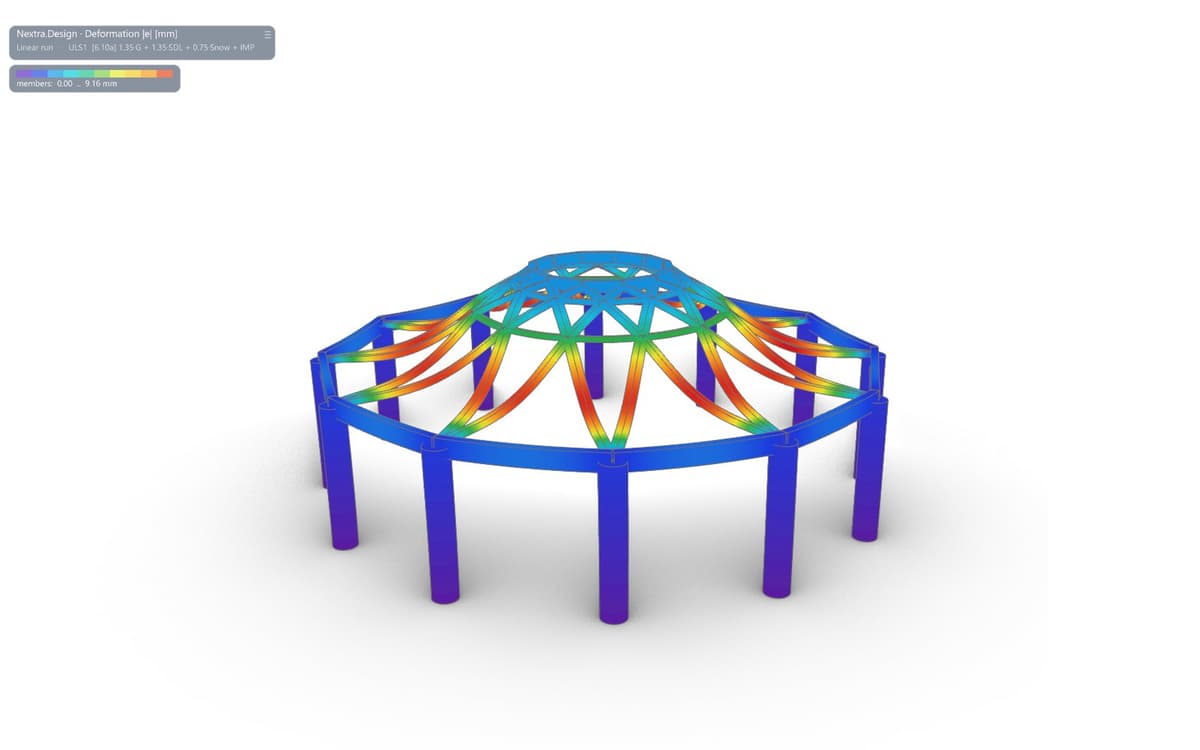
5 materials
Timber to EN 1995 with stud walls and CLT, concrete to EN 1992 with reinforcement, steel to EN 1993, bamboo to ISO 22156 and earth to NZS 4297, mixed freely in one model.
MKI + CO₂
Each element and material shows its environmental cost (MKI) and CO₂ (GWP) next to its design check, so you see the impact of a choice while you make it. Figures are indicative.
1 run
One optimiser per material picks the lightest, cheapest or lowest-carbon sections that still pass every check, with an MKI limit if you set one.
Grasshopper
Every option of the panel is also a Grasshopper component: build the model from your definition, run it and read the results back.
CPU + GPU
Our own solver runs on all CPU cores or on the graphics card, from small frames to large shell models.
By engineers
Built by a structural engineer after years of projects in Tekla Structural Designer, ETABS, AxisVM, STAAD.Pro and more: the workflow engineers know, inside the Rhino model you already have.
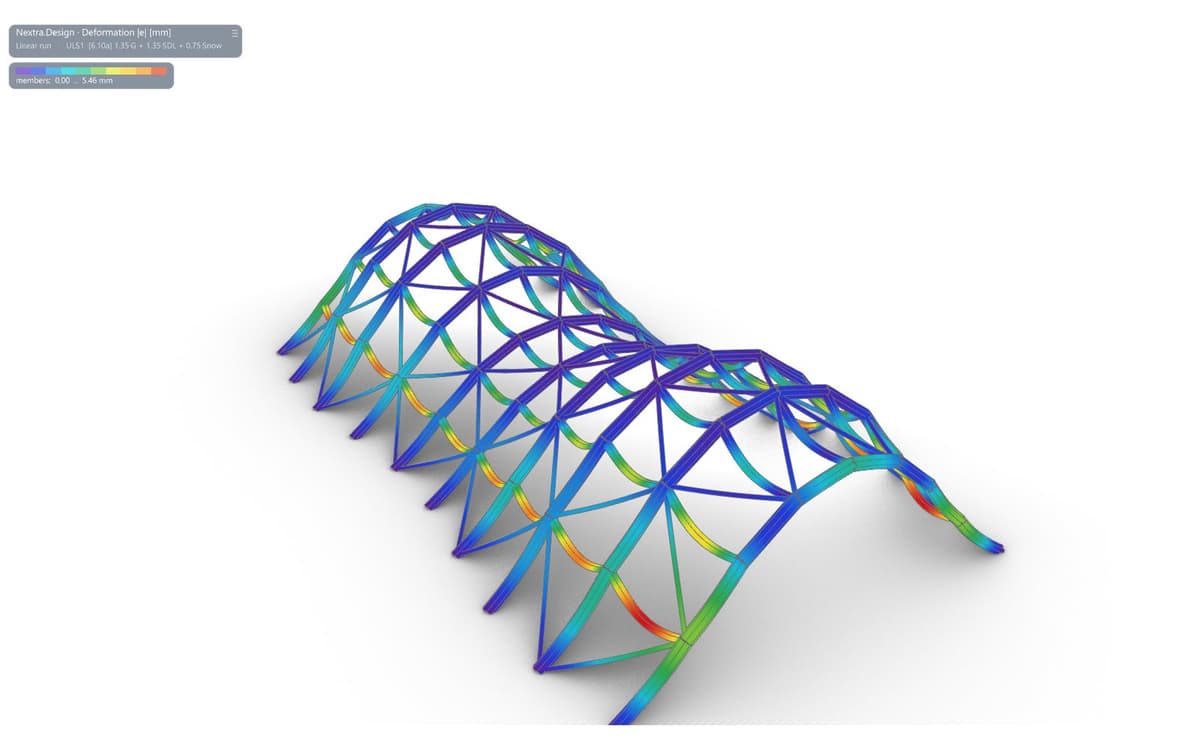
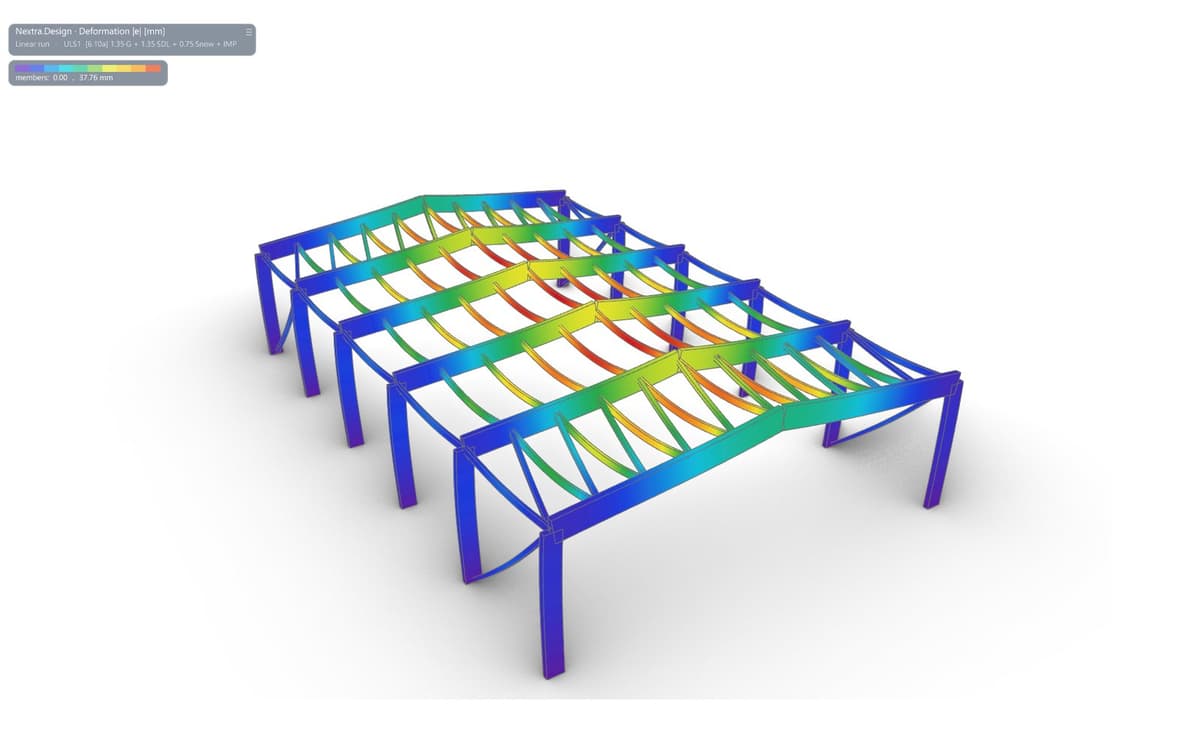
Example models, analysed in Rhino with the plug-in.
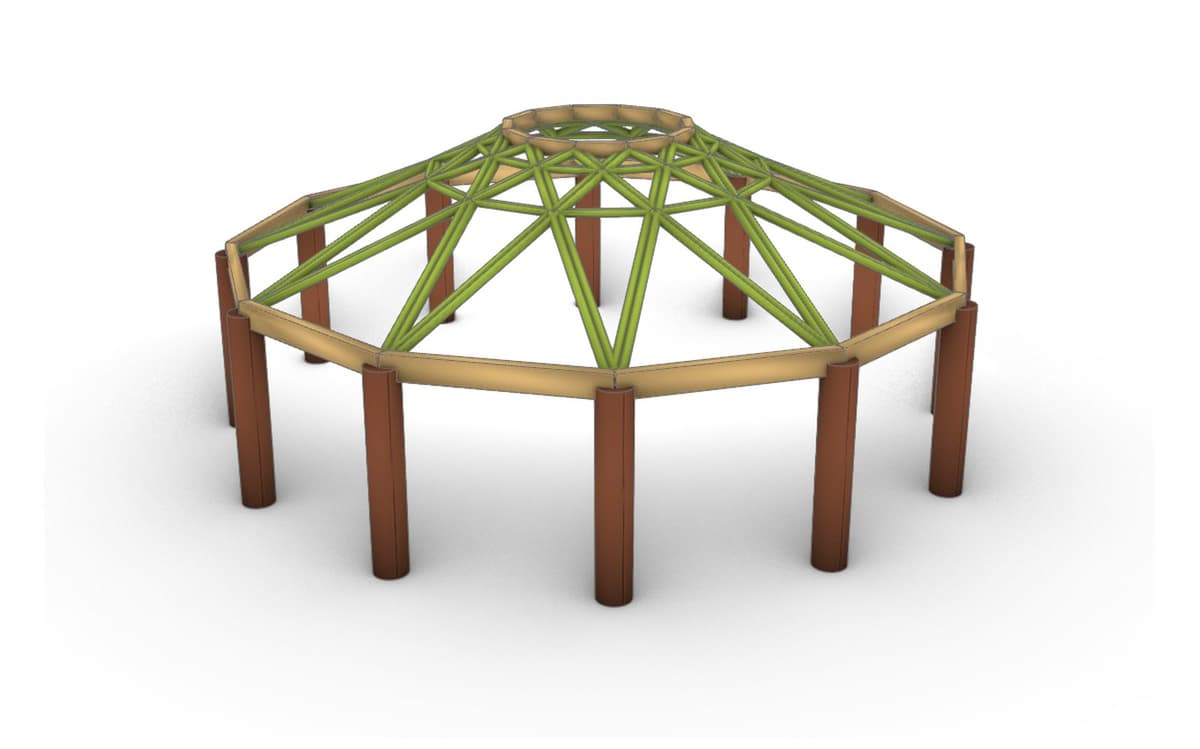
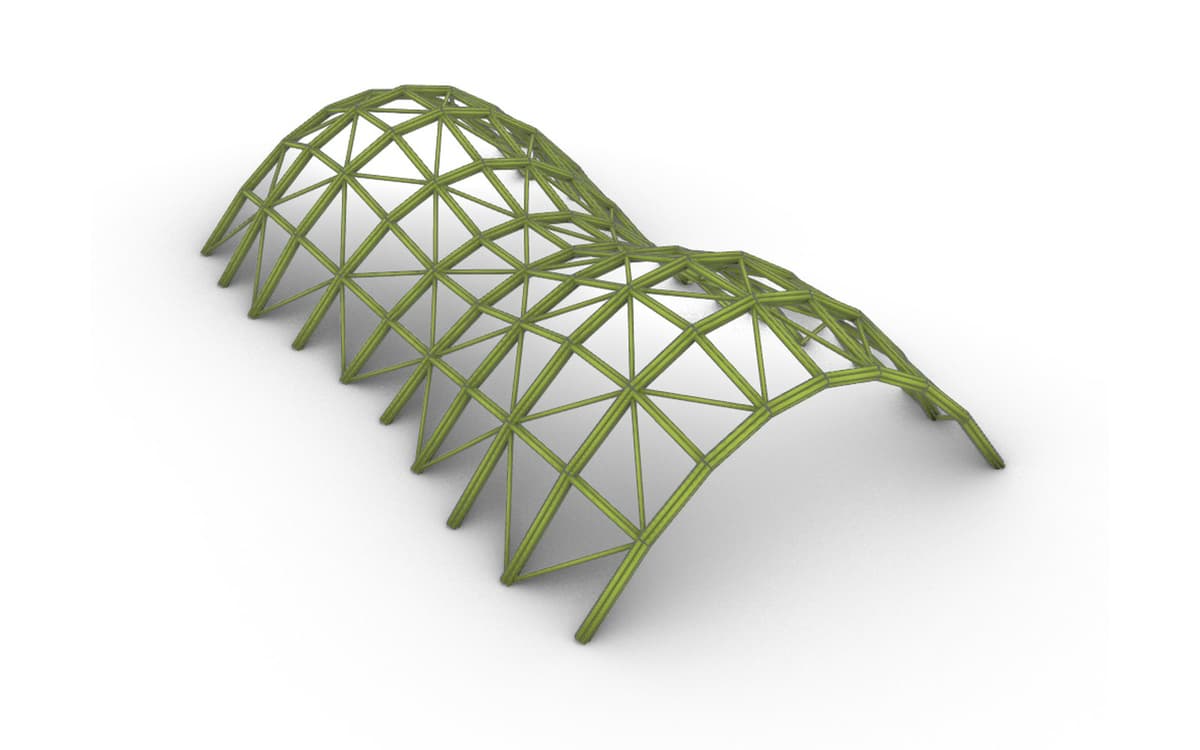
Bamboo canopy: culm bundles as 3D sections
What it does today. More is coming with every version.
How-to7 Nov 2026
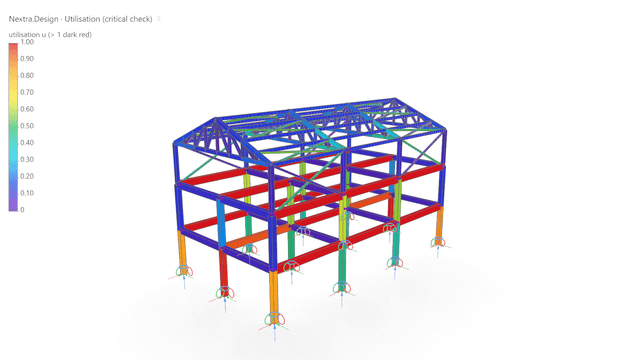
An existing concrete frame drawn in Rhino, a parametric timber truss hall on top in Grasshopper. Different material, code and structural system, designed in one run - and the sliders show what the hall does to the frame.
How-to7 Nov 2026
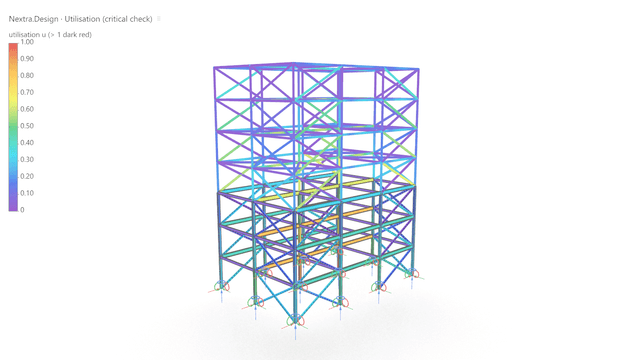
The existing steel building is drawn once in Rhino and never changes. The new timber storeys on top are a Grasshopper study. Nextra Design checks the whole building at once, so every option shows what it does to the existing columns and beams.
How-to7 Nov 2026
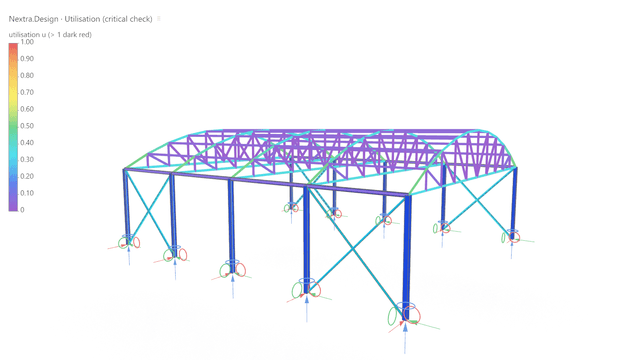
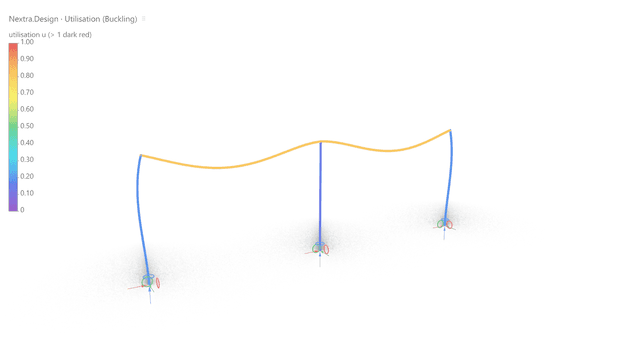
Columns and bracing drawn once in Rhino, a parametric roof truss in Grasshopper, and Nextra Design's Both mode analyses and designs them as one structure. Move a slider and the whole hall is checked again.
How-to7 Nov 2026
The Nextra Design skill lets your AI app build the structural model, run the Eurocode design and show you the results, in Rhino, in Grasshopper or both at once. Tested with a small model.
0.1.0-beta.39, released 15 Nov 2026
Update nextra-design in the Rhino Package Manager. When the new version needs a new engine, the Nextra Design panel shows Update available: click Update.
0 open, 0 fixed.
See issues or report oneBeta 39 (new engine: the panel offers the update).
Structural graph:
Everything of beta 38 is included.
Beta 38 (new engine: the panel offers the update).
Everything of beta 37 is included (the Graph tab view: Frame / Graph, click a joint to push a load, drag and zoom, the load case drop-down; the AI answers: what rests on what, torsion with its source and fix).
Beta 37 (new engine: the panel offers the update).
Structural graph (Analyse > Graph):
Also: the nextra-connection plug-in's fixes (bolt preview, stale results, fastener layer, spring labels) are in its own update.