 Nextra
Nexiy and the assistant
Nexiy
What Nexiy shows, how to click, move, size, hide it and how lively it is.
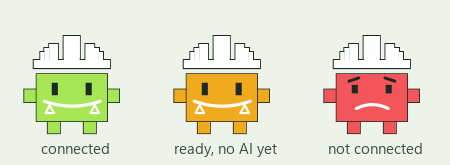
| Nexiy | Meaning |
|---|---|
| green | an AI app (ChatGPT, Claude, a CLI or the assistant) used Rhino in the last 90 seconds |
| amber | ready, no AI app connected yet |
| red, worried | the connection is down. Click Nexiy, then Restart server |
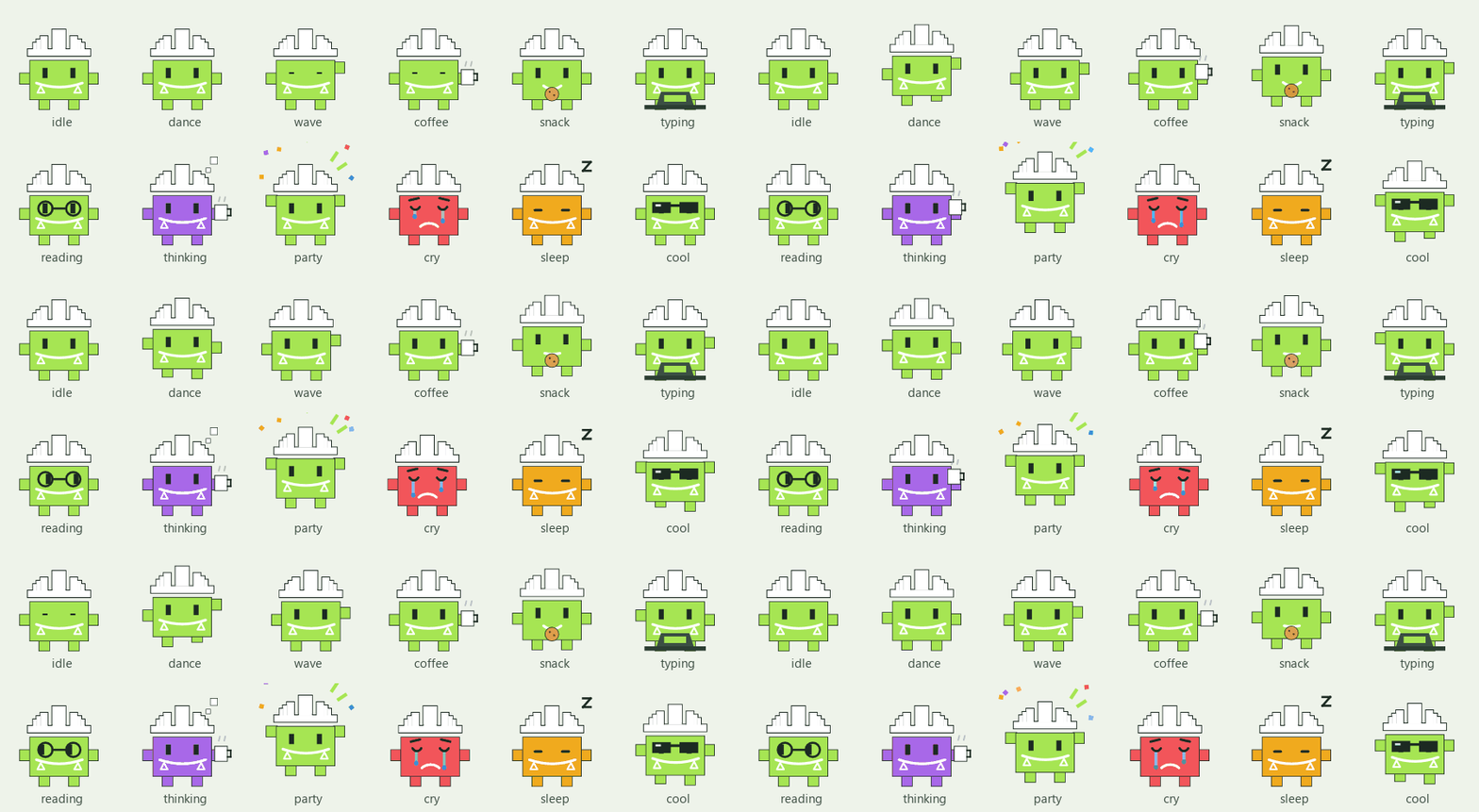
Nexiy blinks, falls asleep after a quiet while, and acts a little while the AI works: it types on a laptop, reads, drinks a coffee, dances. It celebrates when a job is done and cries for a moment when a job fails.
Move it: drag it. The spot is remembered.
Size: Tiny 16 px, Small 24 px (default), Medium 40 px, Large 64 px.
Liveliness: how much Nexiy moves while the AI works.
Level What Nexiy does Calm never moves Lively (default) little acts in place Playful dances and grows while working Chaos runs all over Rhino and the Grasshopper canvas while working Nexiy only moves while the AI is working. When nothing happens, it sits still.
Speed: Slow, Normal (default) or Lively.
Hide: Nexiy's menu, Hide Nexiy. To bring it back, run
NextraRhinoGhand choose Nexiy > Show. The same command also sets the size.
#Clicking Nexiy
| You | Nexiy |
|---|---|
| left click, assistant not set up yet (or Desktop app mode) | opens the panel with the settings only: the connection and Nexiy's liveliness and speed, no chat |
| left click, assistant set up | opens the assistant panel straight away. Click again to close it |
| right click | always shows the menu |
| click while the connection is down | shows the menu with Restart server |
"Set up" means: a key saved in API key mode, or a CLI chosen in CLI mode. In Desktop app mode you chat in Claude or ChatGPT, so the panel shows only the settings.
The panel grows out of Nexiy and shrinks back into it when you close it (the ×, Esc, or a click on Nexiy).
Version 0.2.0 shows the menu on every click; choose Open assistant there. In 0.2.1, a click before setup shows the menu.
Last updated 20 Nov 2026