 Nextra
Nexiy and the assistant
Use the assistant
Quick or LLM, Manual or Auto, undo, what you can ask, and pictures (snip, draw, paste).
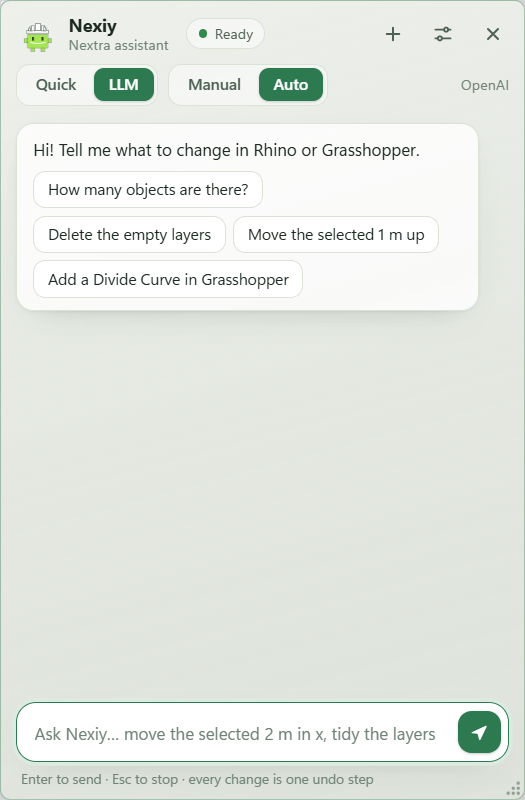
Type a request and press Enter (Shift+Enter for a new line). Esc stops a running request. Outside the text box, Esc closes the panel. + starts a new chat. Drag the header to move the panel, the corner to resize it.
Quick or LLM
- Quick: a decision model picks one function from over 60 typed Rhino and Grasshopper functions, then fills in the values from what you wrote. Fast (often under a second) and cheap. If a request is really several jobs, Quick hands it to LLM mode.
- LLM (default): a chat model works with all of NextraRhinoGh's tools, for open or multi-step work.
Manual or Auto
- Manual: each change is shown first, with Apply and Discard.
- Auto (default): changes are made at once.
Every change is one undo step, and every answer has Undo. How it was decided shows the steps: which model, how sure, how long.
What you can ask:
- about the model: object counts, layers, units, size, length, area, volume;
- select and change: move, copy, rotate, scale, mirror, arrays, delete, join, explode, offset, extrude, union;
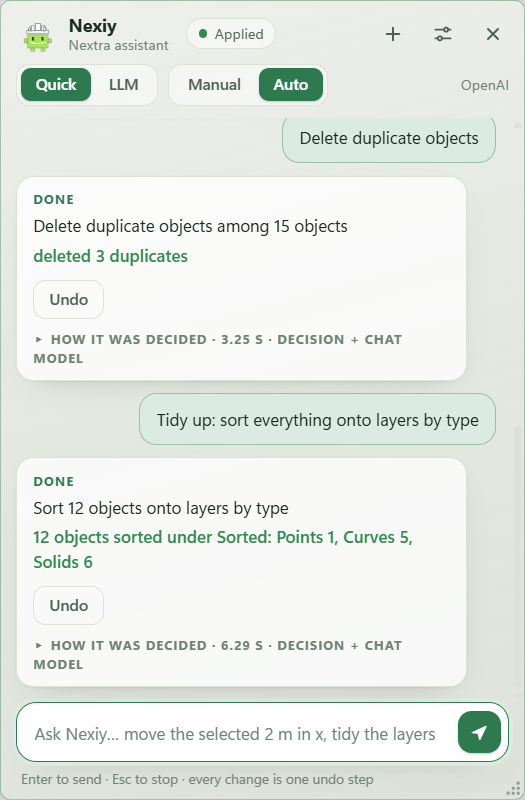
- layers and tidying: set layer, colour, lock, isolate, on/off, rename, merge, delete empty layers, sort objects onto layers by type, delete duplicates;
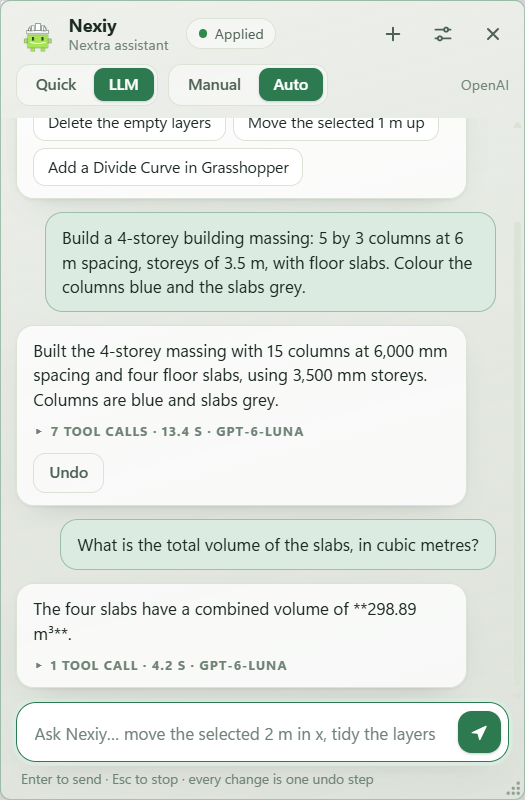
- create: boxes, circles, lines, rectangles, column grids, floor slabs, building massings;
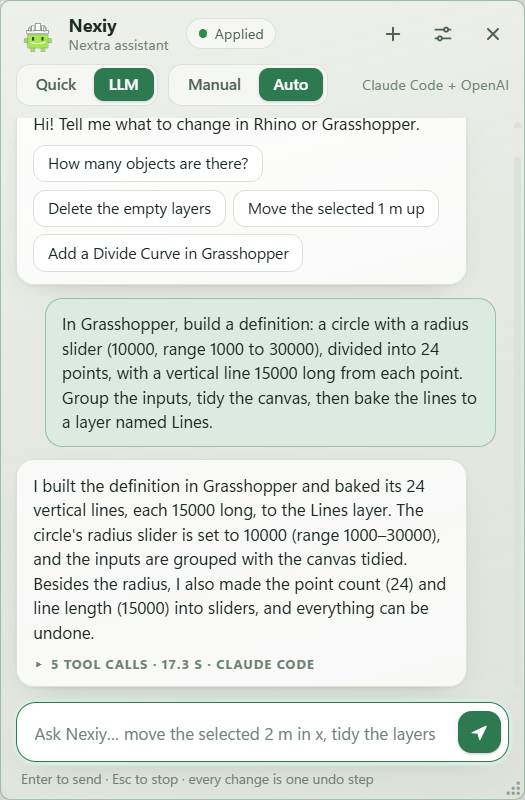
- Grasshopper: add a component from everything installed on your computer, wire, set sliders, group, select, tidy the canvas, recompute, bake; in LLM mode whole definitions in one go.
Examples:
| Request | Mode | Result |
|---|---|---|
| Delete the empty layers, Delete duplicate objects, Tidy up: sort everything onto layers by type | Quick | 4 empty layers removed, 3 duplicates deleted, 12 objects sorted onto Points / Curves / Solids layers |
| Build a 4-storey building massing: 5 by 3 columns at 6 m spacing, storeys of 3.5 m, with floor slabs | LLM | 15 columns and 4 slabs in 13 s |
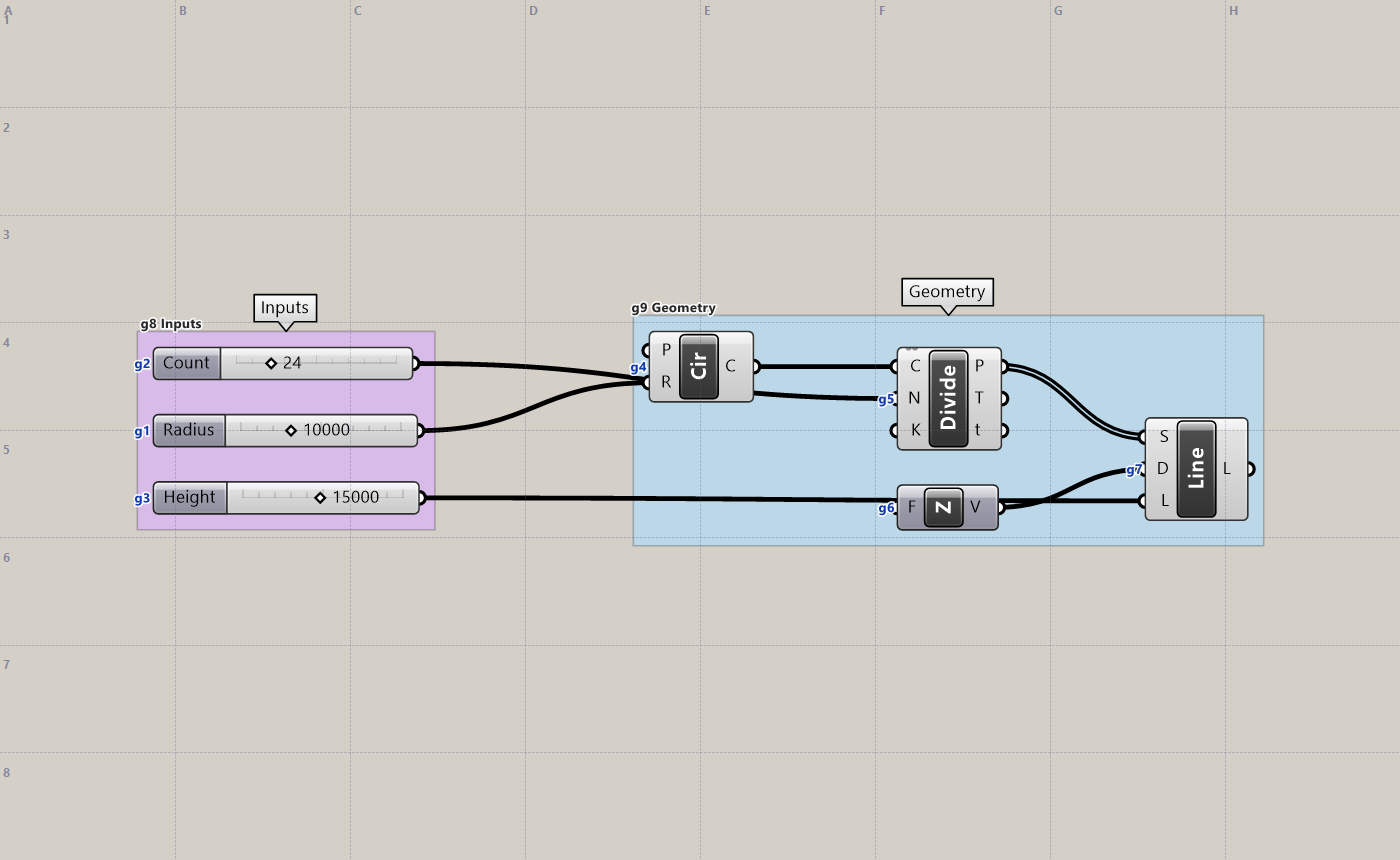
| In Grasshopper, build a definition: a circle with a radius slider, divided into 24 points, a vertical line from each point … | LLM, Claude Code CLI | the definition grouped and tidied, 24 lines baked, 17 s |
| Tidy-up in Quick | A massing in LLM mode | Grasshopper with Claude Code |
|---|---|---|
 |
 |
 |
#Pictures
Show what you mean (0.2.1 and later):
- Snip: click the camera next to the text box. The panel steps aside and every screen freezes and dims. Drag a box over the part you mean, on any monitor. Esc or a right click cancels. If the snip covers a Rhino view, the Rhino objects in it come along with their handles, so a box drawn around one object tells the model exactly which one.
- Draw on it: the editor opens with the picture: pen, arrow, box, text, crop, six colours, undo (Ctrl+Z). Use picture puts it above the text box; click it there to draw again, × to remove it.
- Paste, attach, drop: Ctrl+V of a screenshot, the clip button, or drop an image file onto the panel. Up to 6 pictures per message.
Pictures need a model that sees: in API key mode the chat model (OpenAI, Gemini or Claude), in CLI mode your CLI. A request with a picture always goes to the chat model, also in Quick mode. On a Mac the camera uses the system's own snip (without the object names).
Last updated 20 Nov 2026