 Nextra
Reports
Review, logs and citations
The log panel, review and chat, tracked changes, Zotero and image citations.
#Logs
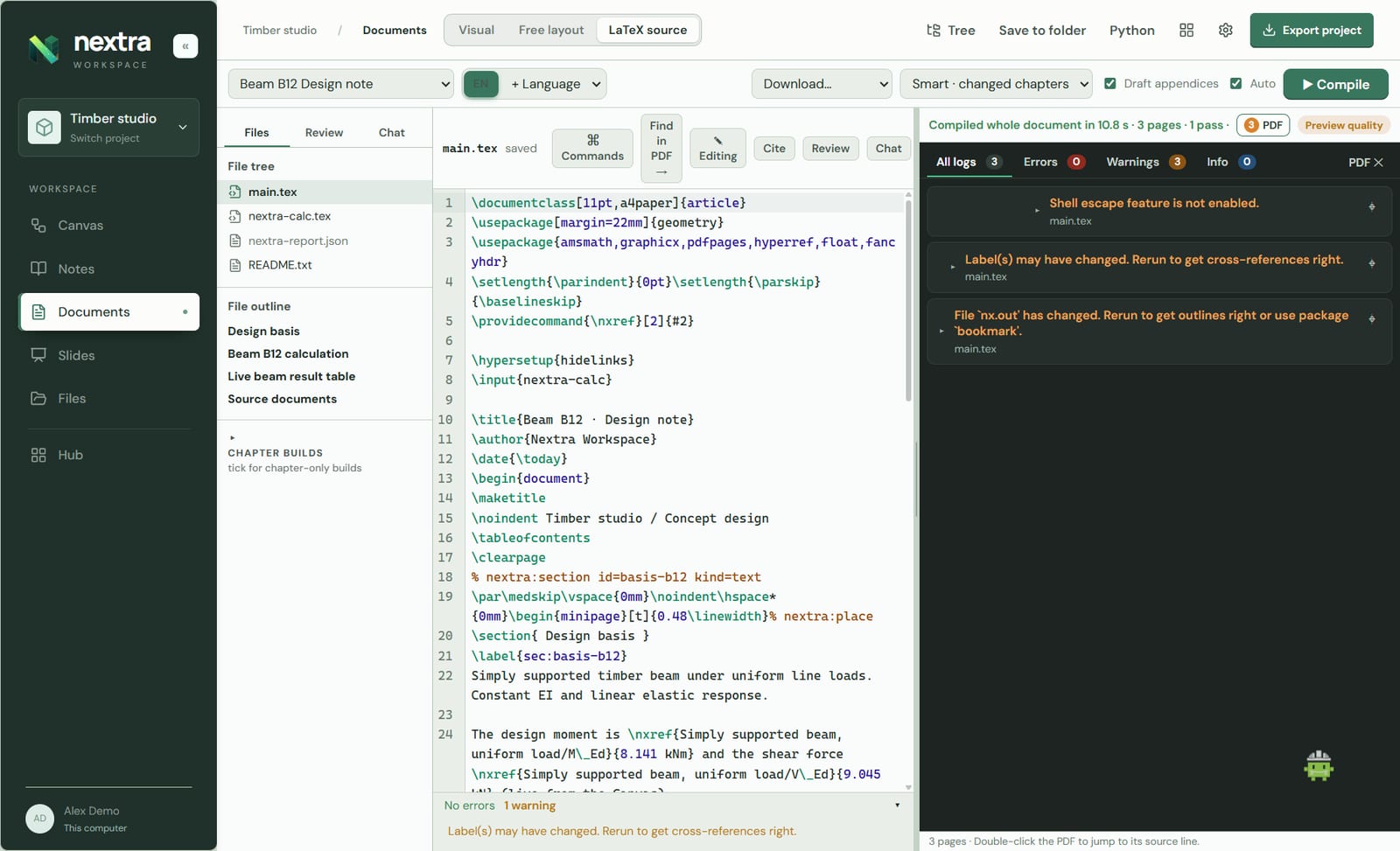
The log panel groups errors and warnings by file and line. Click one to jump to the source. A badge on the compile button shows the count.
#Review and chat
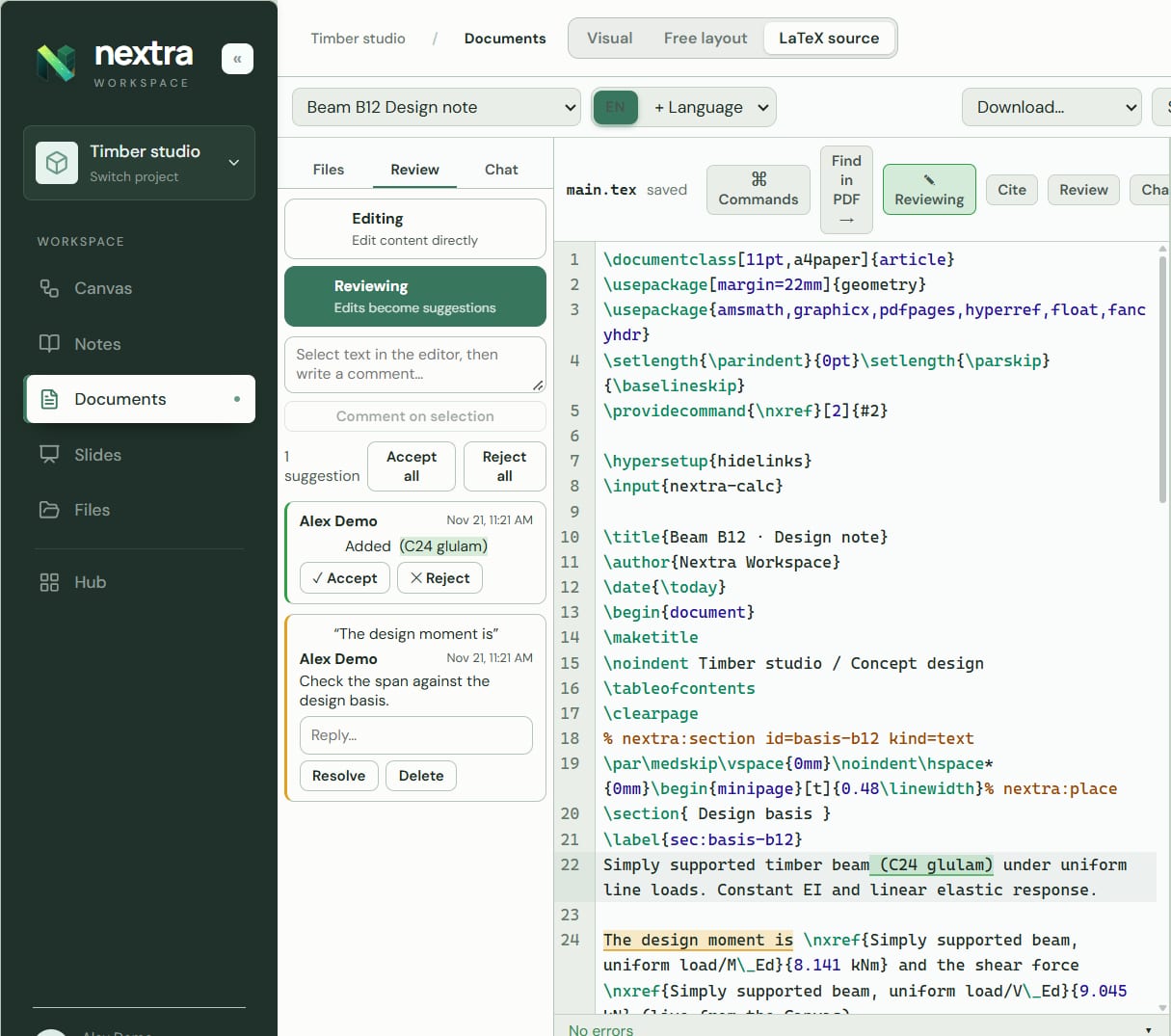
Open Review to add comments and suggestions on a passage. Open Chat to talk with a colleague about the document. Both show in the left panel next to the file tree. Tracked changes show who changed what.
#Citations
Cite inserts a citation from your bibliography, including entries from Zotero. An image can carry its source (author, title, year, copyright); the caption then cites it, and the bibliography follows.
#Two languages
Keep a bilingual twin of a document: the same sections in two languages, with the original kept as comments above the translation.
Last updated 21 Nov 2026