 Nextra
Around the canvas
Files and viewers
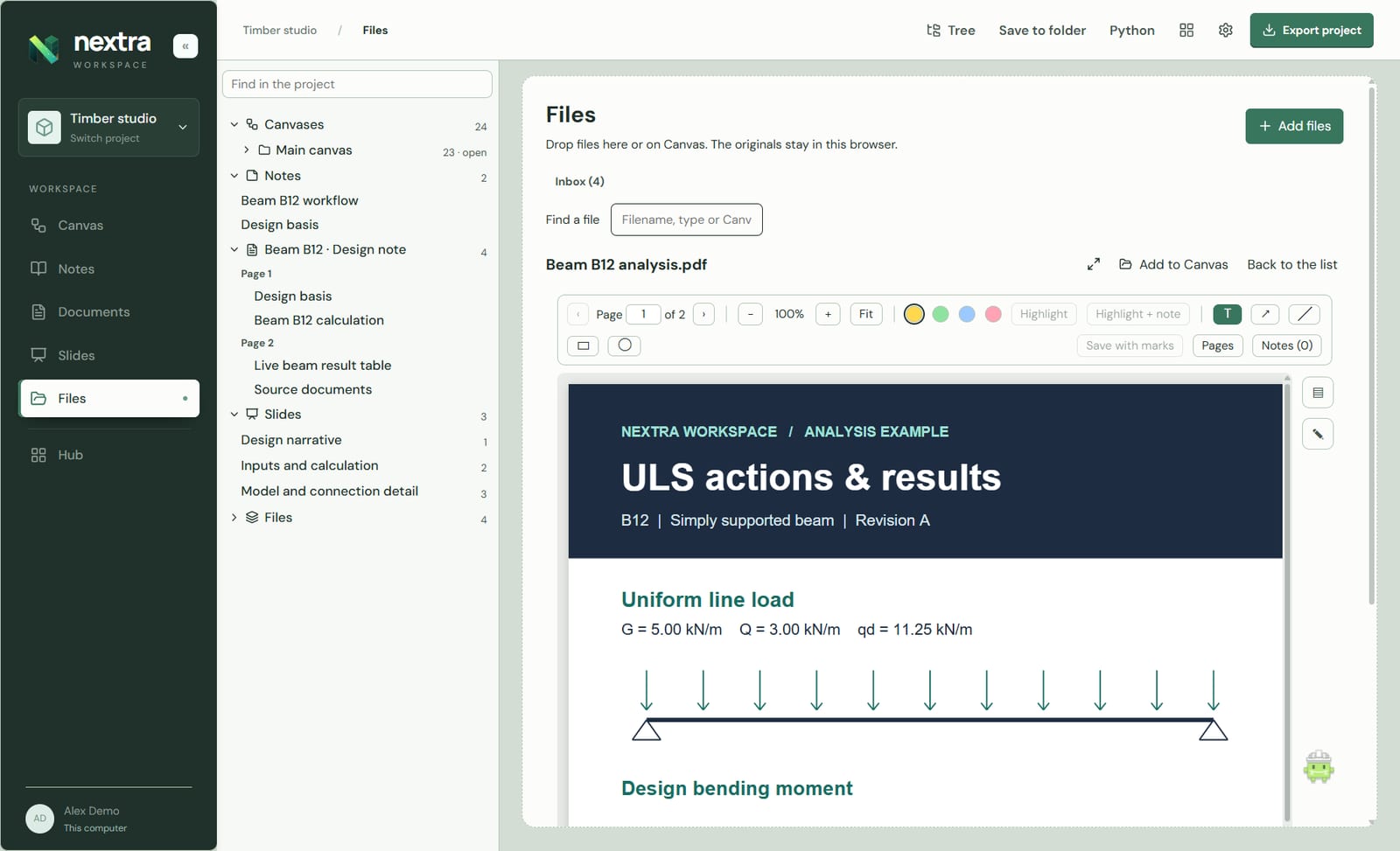
PDF reader with marks, and Word, Excel and PowerPoint shown as they look.
The Files view opens the files in your project.
A reader with highlights, notes and arrows.
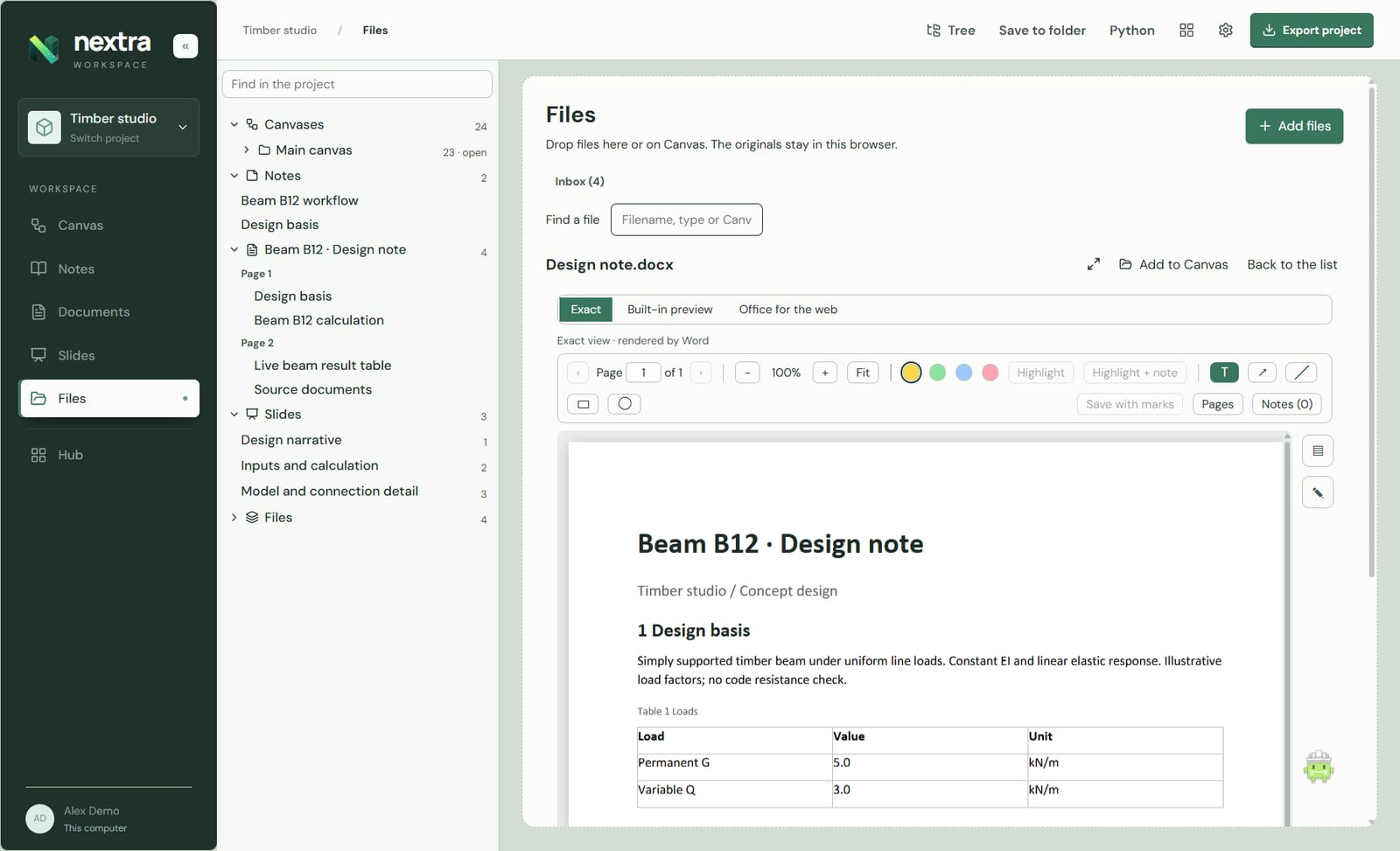
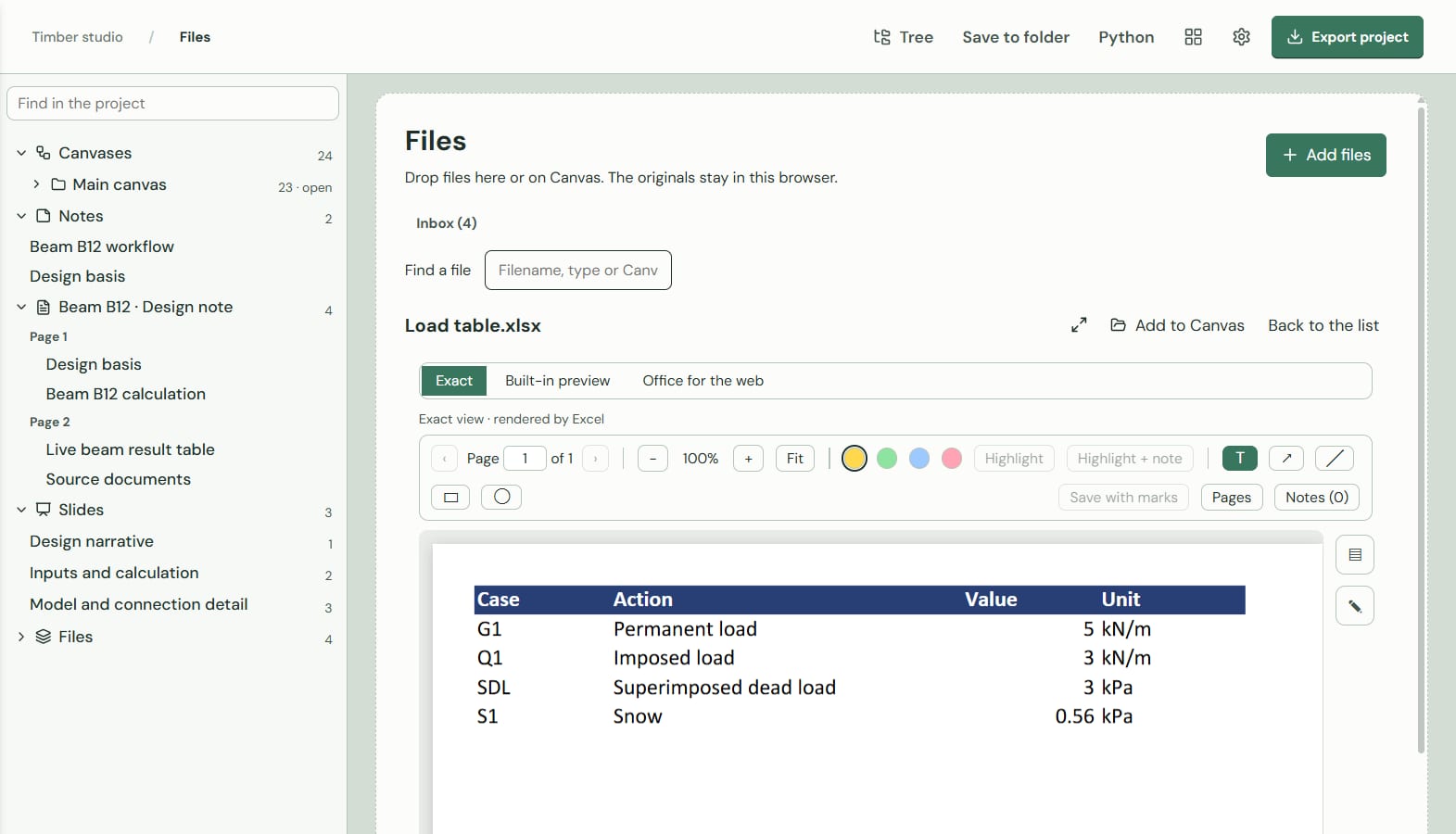
#Word, Excel and PowerPoint
Three ways to see them, from quick to exact:
- Preview inside the app: fast and plain.
- Exact through Office, when Office is installed: the page as it looks in Office.
- Office for the web: sign in once and the app remembers it.
#Open with the default app
Right-click a file and choose Open to use the program your computer uses for it.
Last updated 21 Nov 2026