 Nextra
Grasshopper
Analysis in the definition
Every step is a component: elements, supports, loads, analysis, results and design. Move a slider and the results follow.

 Rhino
 Grasshopper
Nextra.fem is a light finite-element plug-in for Grasshopper. Turn lines and meshes into beams and shells, add supports and loads, and see deflections, forces and utilisations change while you move a slider. Steel, timber and concrete checks to the Eurocodes are built in. For detailed design use Nextra Design.
Grasshopper
Every step is a component: elements, supports, loads, analysis, results and design. Move a slider and the results follow.
Live views
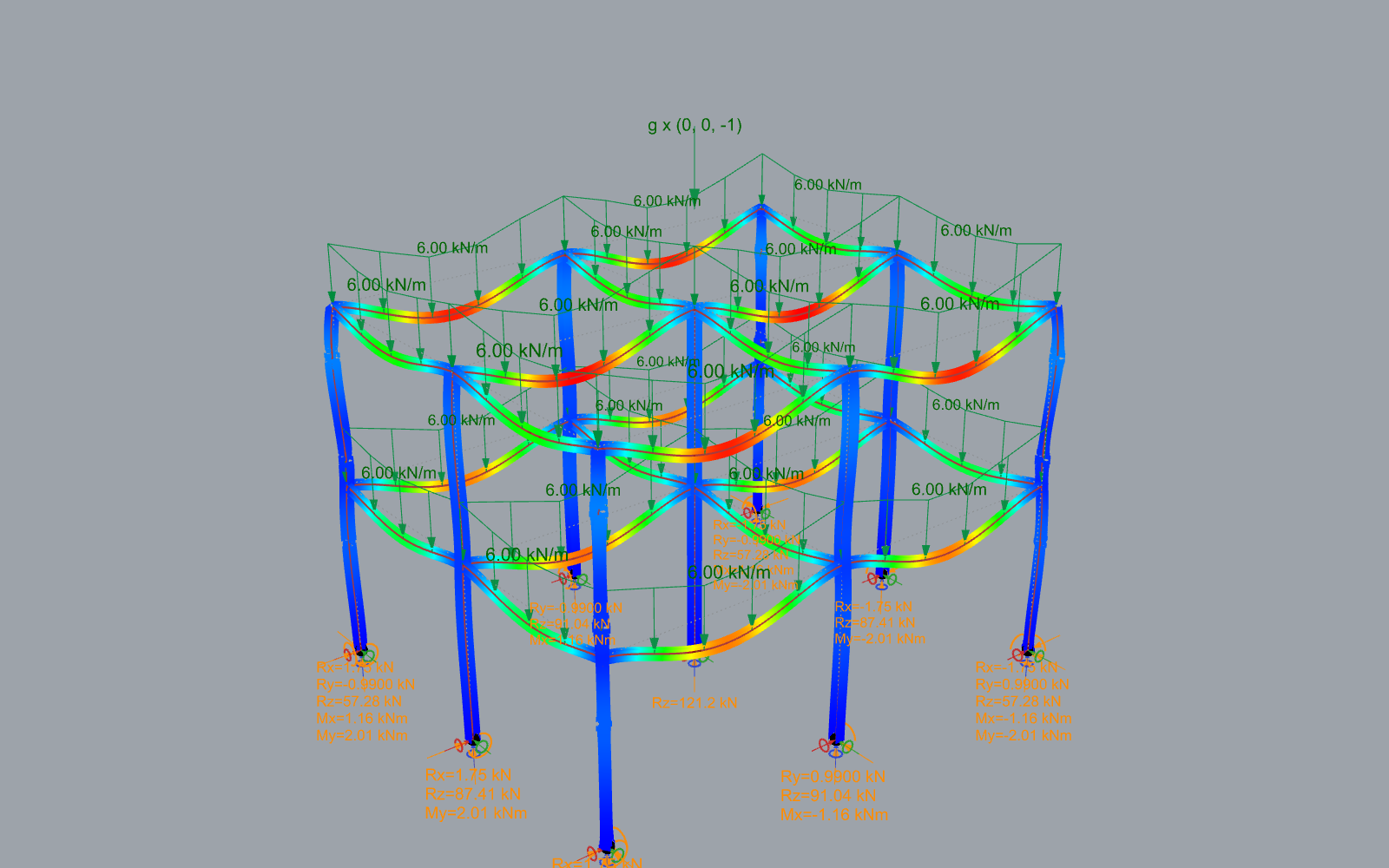
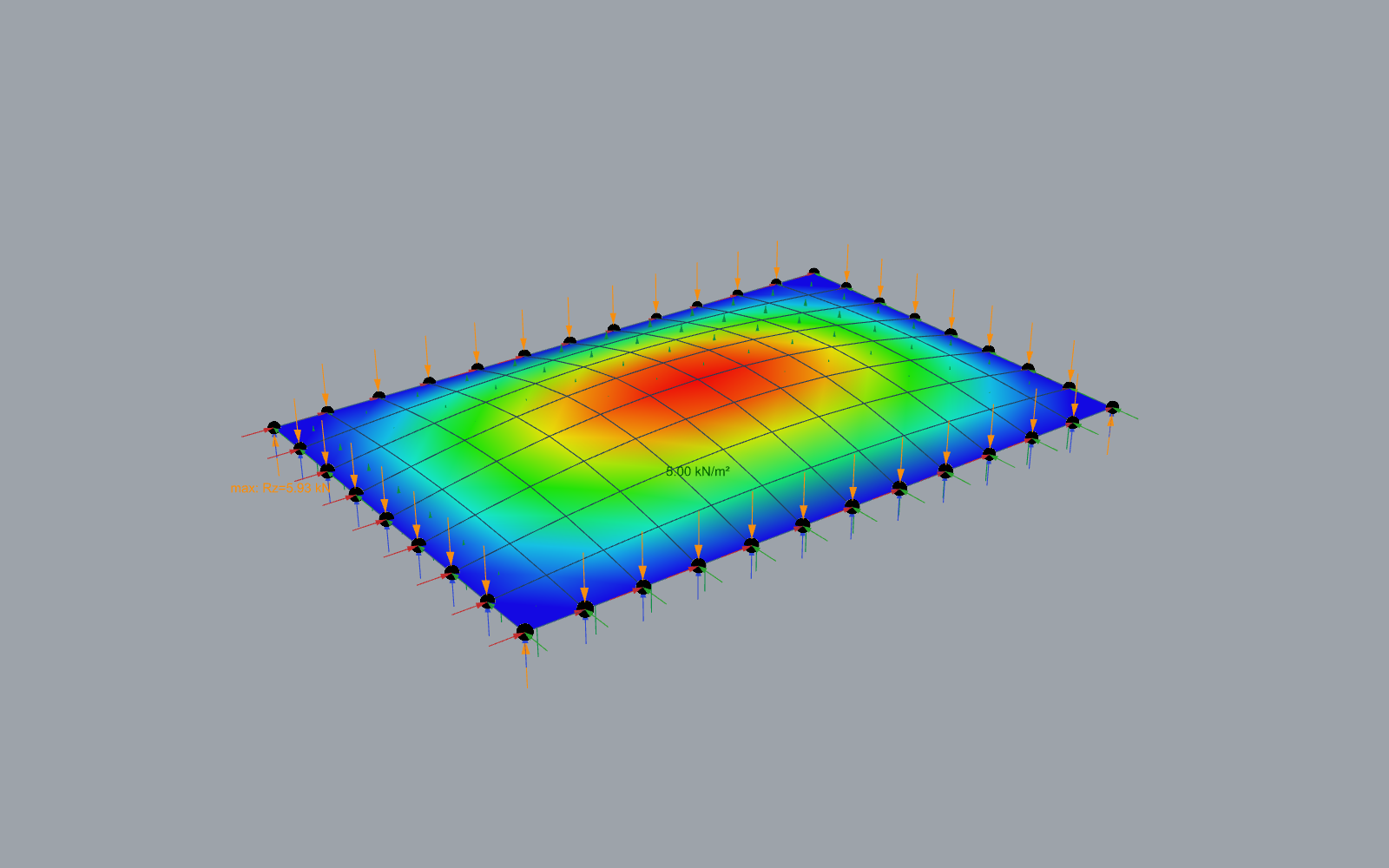
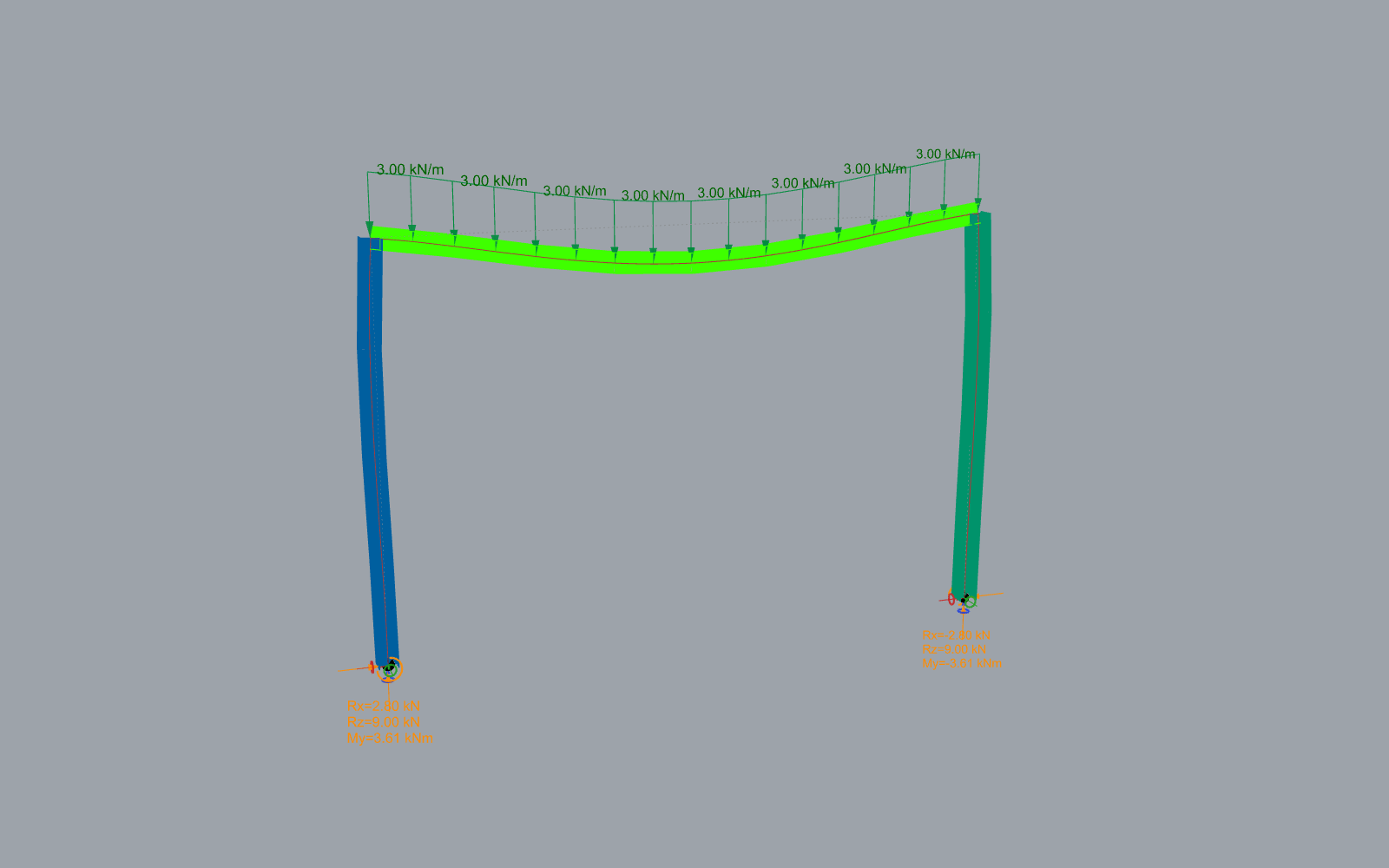
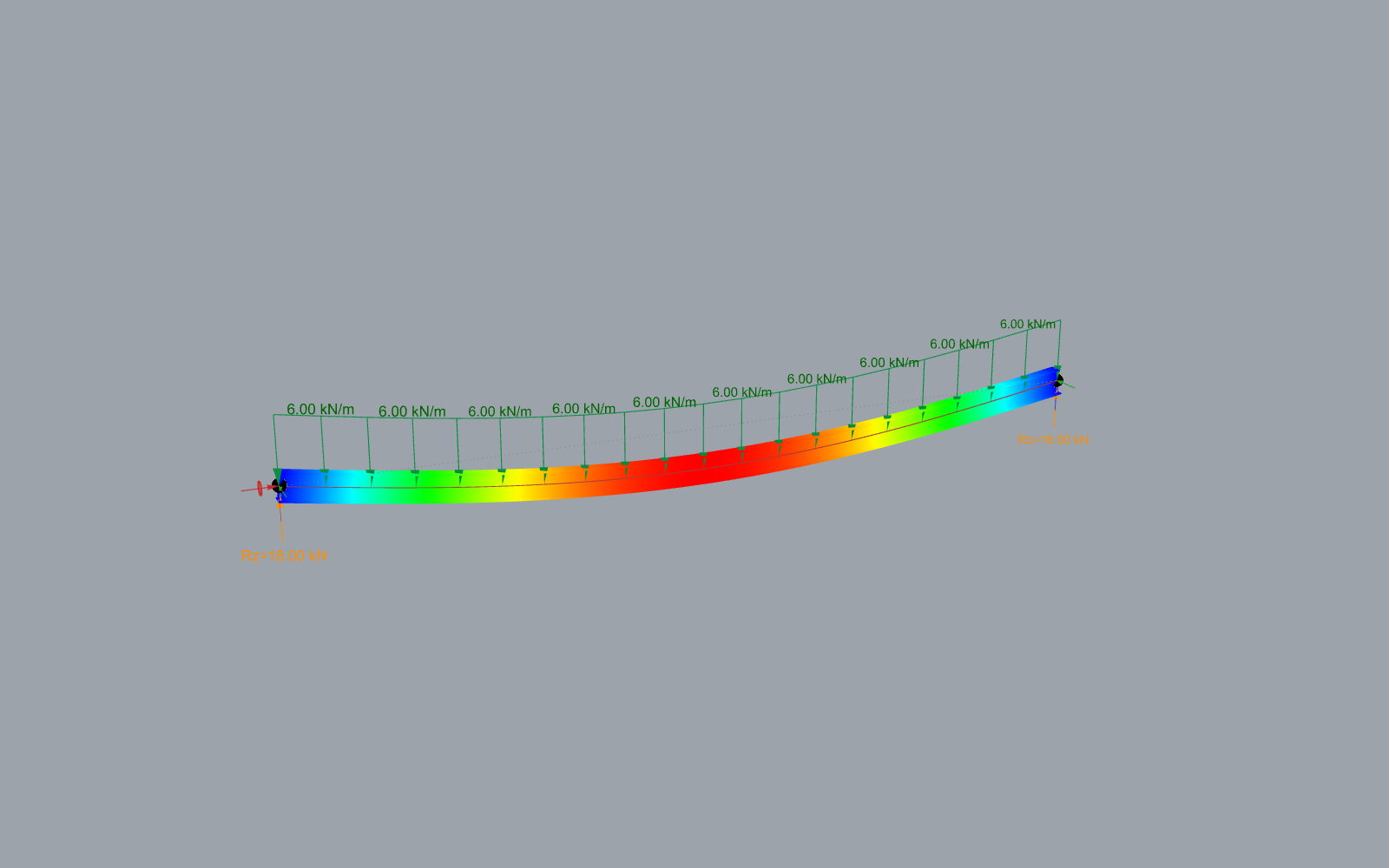
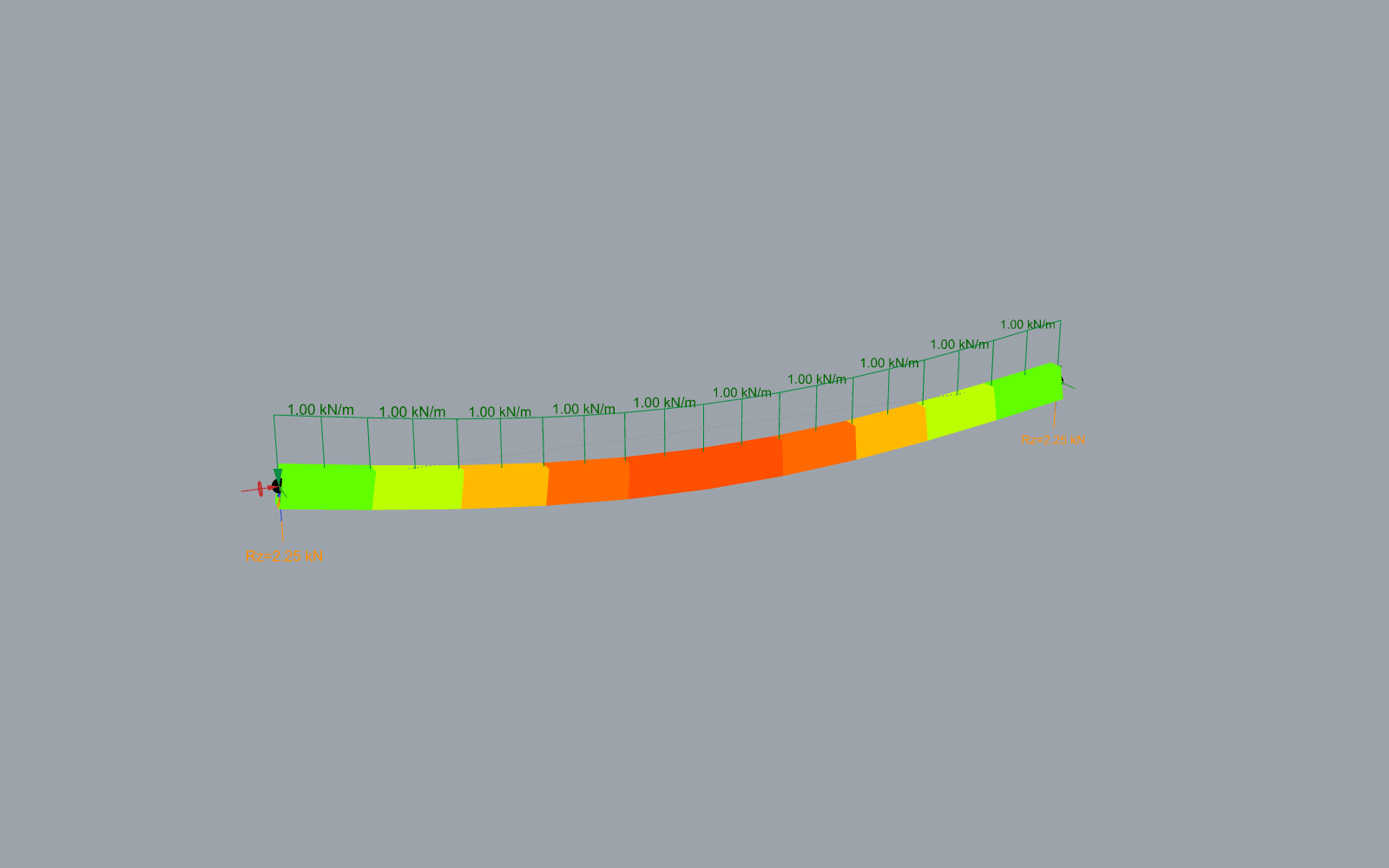
Model View, Beam View, Shell View and Design View draw on the deformed shape, with loads, reactions and contours.
EC2 · EC3 · EC5
Steel, timber and concrete checks for early sizing, compared case by case with Nextra Design.
Free beta
Install it from the Rhino Package Manager on Windows or Mac.
Example models, analysed in Rhino with the plug-in.
3D steel frame: displacement contour, loads on the deformed shape, reactions
What it does today. More is coming with every version.
1.0.13-beta, released 12 Nov 2026
Update nextra-fem in the Rhino Package Manager, then restart Rhino.
0 open, 0 fixed.
See issues or report one1.0.13: New Nextra.fem icon in Grasshopper (library and tab) and in the Rhino Package Manager.
1.0.12: Element 1D Orientation simplified - local z towards a vector takes the vector from the Local z input (the global Z / X / Y / custom list is removed; files that used it keep their direction). Only the chosen mode's input is shown, as the last row of the Options inputs, with no empty rows.
1.0.11: Element 1D Orientation menu as in Nextra Design - auto (local z up), roll (shows the Rot input) or local z towards a vector (shows the Local z input). Files that already use Rot or Local z keep their results.
1.0.10: Load Case component (name, category, duration); ULS and SLS combinations made together (Auto Load Combinations "ULS + SLS" with the SLS type) and sorted by the design checks themselves; Design View shows Critical, ULS, SLS or one case, and the checked deflection (w_inst, w_fin, w_net,fin, w1, w2, w3) as a contour with the largest value tagged. Deflection: vertical, relative to the span ends, per span between supports and columns (or per piece / polyline, Element 1D option); EC5 w_net,fin = w_fin - w_c with a precamber input. Element 1D: buckling length given directly, Local z direction input. 3D section / line contour switch on every view. Fixes: quasi-permanent combinations use psi2; labels of menu inputs. New docs page: Axes, moments and buckling directions. For AI assistants: an API and a skill (Agent folder of the repository) so Claude can build, analyse and design structures through nextra-rhinogh.
1.0.9: the viewport legend sits below the viewport name; new Legend Settings component to show or hide all legends and set their position and size.
1.0.8: units (m, kN or mm, N) in Global Settings, saved with every definition and checked; viewport legends in the Nextra Design colours (utilisation too); faster drop-downs; Examples place mode add or replace; EC3 lateral torsional buckling with the load on the top flange (option, default) and catalogue root radius for IPE / HE sections. Whole frames compared with Nextra Design under the same loads: timber equal, steel columns within a few per cent.
Buckling lengths: in Element 1D (Options) choose for ky, kz and kltb separately whether the factor multiplies the segment as drawn or the whole polyline (split only where it turns by more than 45°), as in Nextra Design. See Elements, sections and materials in the docs.
First beta on nextra.studio (1.0.6). Install nextra-fem from the Rhino Package Manager (Windows and Mac).
1.0.11: Element 1D Orientation menu as in Nextra Design - auto (local z up), roll (shows the Rot input) or local z towards a vector (shows the Local z input; or global Z, X, Y or a custom direction). Files that already use Rot or Local z keep their results.
1.0.10: Load Case component (name, category, duration); ULS and SLS combinations made together (Auto Load Combinations "ULS + SLS" with the SLS type) and sorted by the design checks themselves; Design View shows Critical, ULS, SLS or one case, and the checked deflection (w_inst, w_fin, w_net,fin, w1, w2, w3) as a contour with the largest value tagged. Deflection: vertical, relative to the span ends, per span between supports and columns (or per piece / polyline, Element 1D option); EC5 w_net,fin = w_fin - w_c with a precamber input. Element 1D: buckling length given directly, Local z direction input. 3D section / line contour switch on every view. Fixes: quasi-permanent combinations use psi2; labels of menu inputs. New docs page: Axes, moments and buckling directions. For AI assistants: an API and a skill (Agent folder of the repository) so Claude can build, analyse and design structures through nextra-rhinogh.
1.0.9: the viewport legend sits below the viewport name; new Legend Settings component to show or hide all legends and set their position and size.
1.0.8: units (m, kN or mm, N) in Global Settings, saved with every definition and checked; viewport legends in the Nextra Design colours (utilisation too); faster drop-downs; Examples place mode add or replace; EC3 lateral torsional buckling with the load on the top flange (option, default) and catalogue root radius for IPE / HE sections. Whole frames compared with Nextra Design under the same loads: timber equal, steel columns within a few per cent.
Buckling lengths: in Element 1D (Options) choose for ky, kz and kltb separately whether the factor multiplies the segment as drawn or the whole polyline (split only where it turns by more than 45°), as in Nextra Design. See Elements, sections and materials in the docs.
First beta on nextra.studio (1.0.6). Install nextra-fem from the Rhino Package Manager (Windows and Mac).