 Nextra
How-to20 Nov 2026
A Grasshopper definition from one sentence, with your own Claude Code
In CLI mode, Nexiy’s panel hands your request to Claude Code on your own computer. One sentence became a grouped, tidied Grasshopper definition with 24 baked lines, in 17 seconds and no API key.
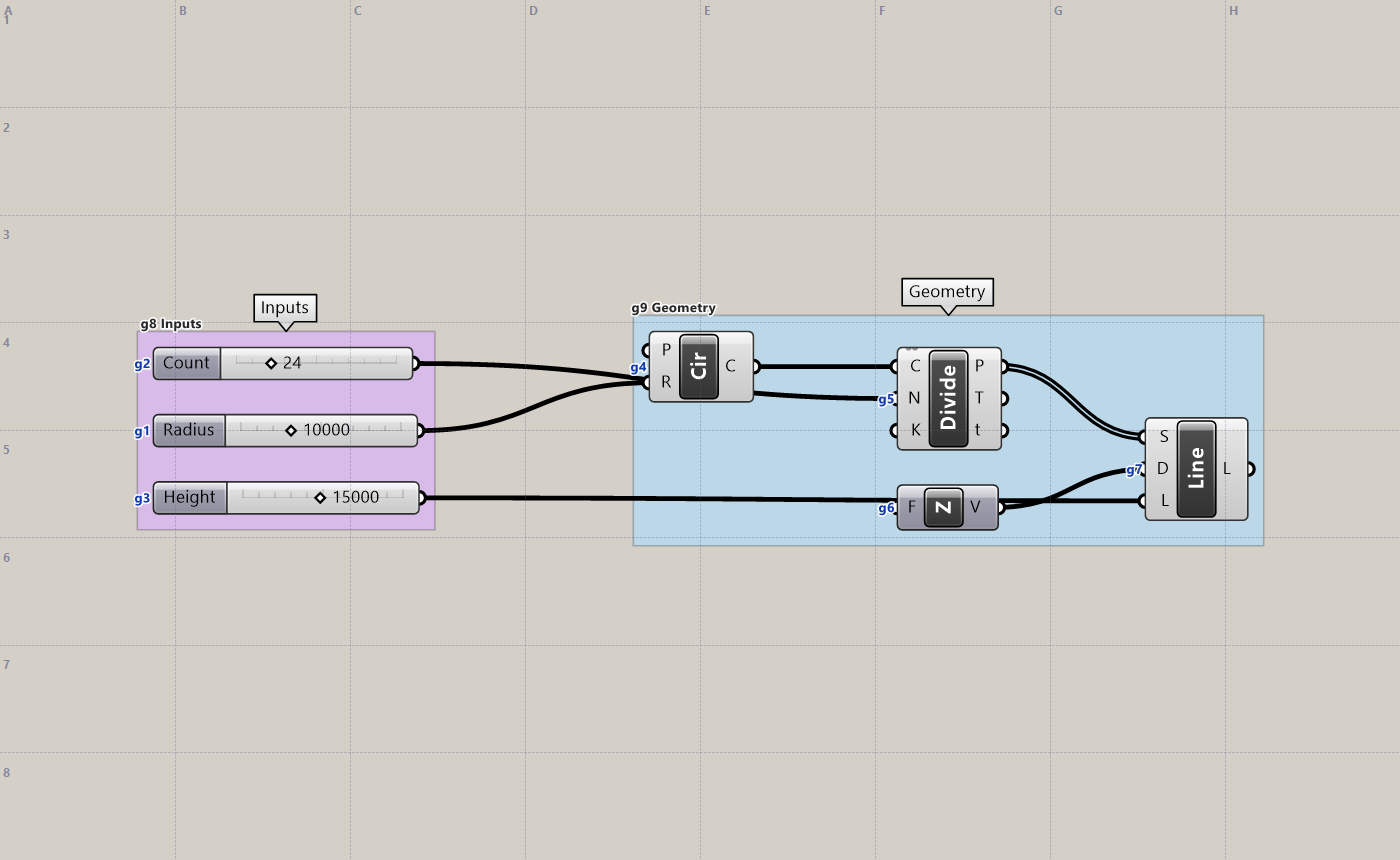
Already pay for Claude? Then you don't need an API key to use Nexiy's assistant. In CLI mode the panel hands your request to Claude Code on your own computer, with your own sign-in, and Claude Code works Rhino and Grasshopper through NextraRhinoGh. The chat stays in the panel next to your model. Here we built a Grasshopper definition with one sentence.
#The request
Grasshopper open, an empty canvas. In the panel: CLI, Claude Code, LLM, Auto. Then:
In Grasshopper, build a definition: a circle with a radius slider (10000, range 1000 to 30000), divided into 24 points, with a vertical line 15000 long from each point. Group the inputs, tidy the canvas, then bake the lines to a layer named Lines.
#What came back
17 seconds and five tool calls later:
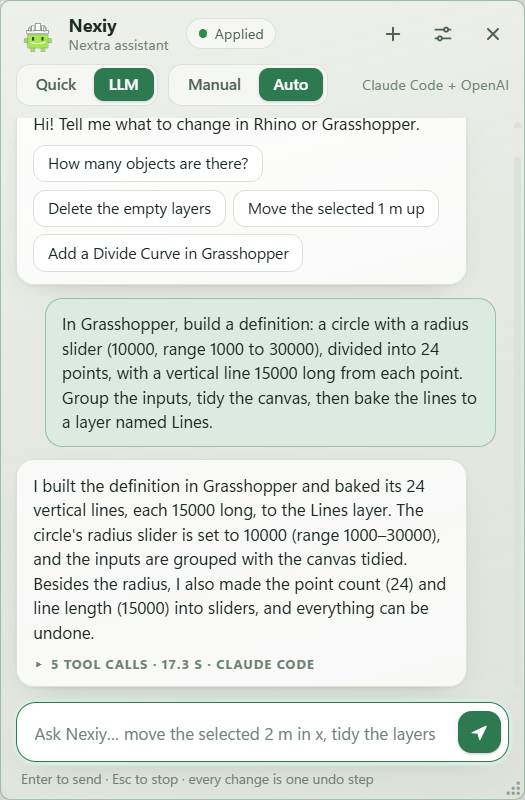
The canvas: sliders for Count, Radius and Height grouped as Inputs, then Circle, Divide Curve, a Z vector and Line grouped as Geometry, laid out left to right.
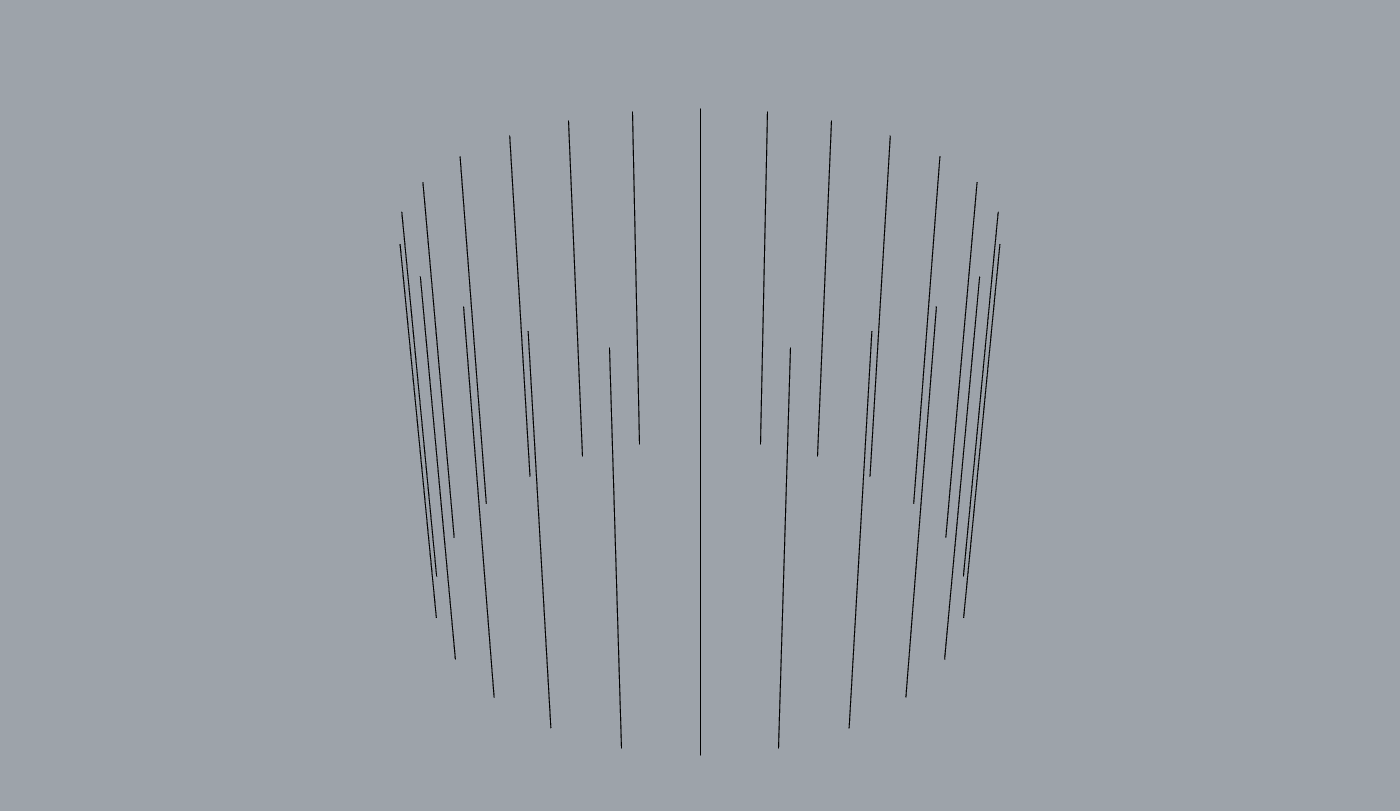
It made the point count and the line length into sliders as well, without being asked, so you can change them later. And in Rhino, the 24 lines on the layer Lines:
#Why it is fast
Claude Code doesn't place components one click at a time. NextraRhinoGh gives it a compact shorthand for Grasshopper: a few lines of text describe components, wires and groups, and one tool call puts the whole definition on the canvas. A second call tidies, a third bakes. Each step has an undo checkpoint.
#Set it up
- Install Claude Code (npm install -g @anthropic-ai/claude-code, version 2.1.300 or newer) and sign in once by running claude in a terminal.
- Click Nexiy, open the settings, choose CLI and Claude Code.
Codex (OpenAI) and Gemini CLI work the same way. The full guide: Set up Nexiy, the assistant in Rhino.
CLI mode uses your Claude plan's usage, as Claude Code in a terminal does. What you type goes to Anthropic, as it would there.