 Nextra
How-to21 Nov 2026
Make an engine from a calculation card or an Excel sheet
The Hub in Nextra Workspace lists ready engines. You can add your own: save a card as an engine, or turn an Excel sheet into one. Engines are plain files.
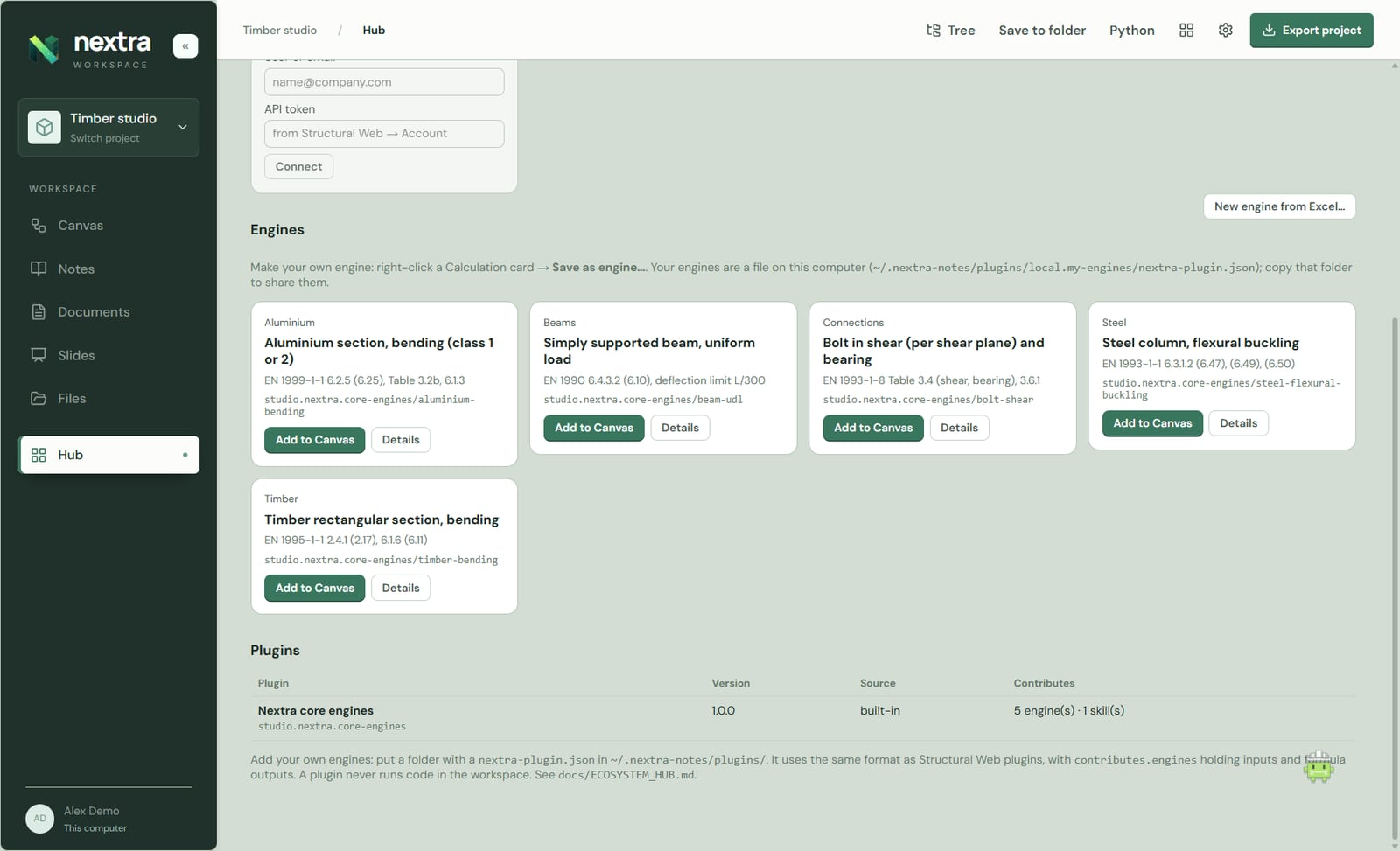
An engine is a calculation written once, tested, and reused: a code clause, a section check, a load takedown. In Nextra Workspace the Hub lists the engines you can add; each one becomes a card.
#Your own, without programming
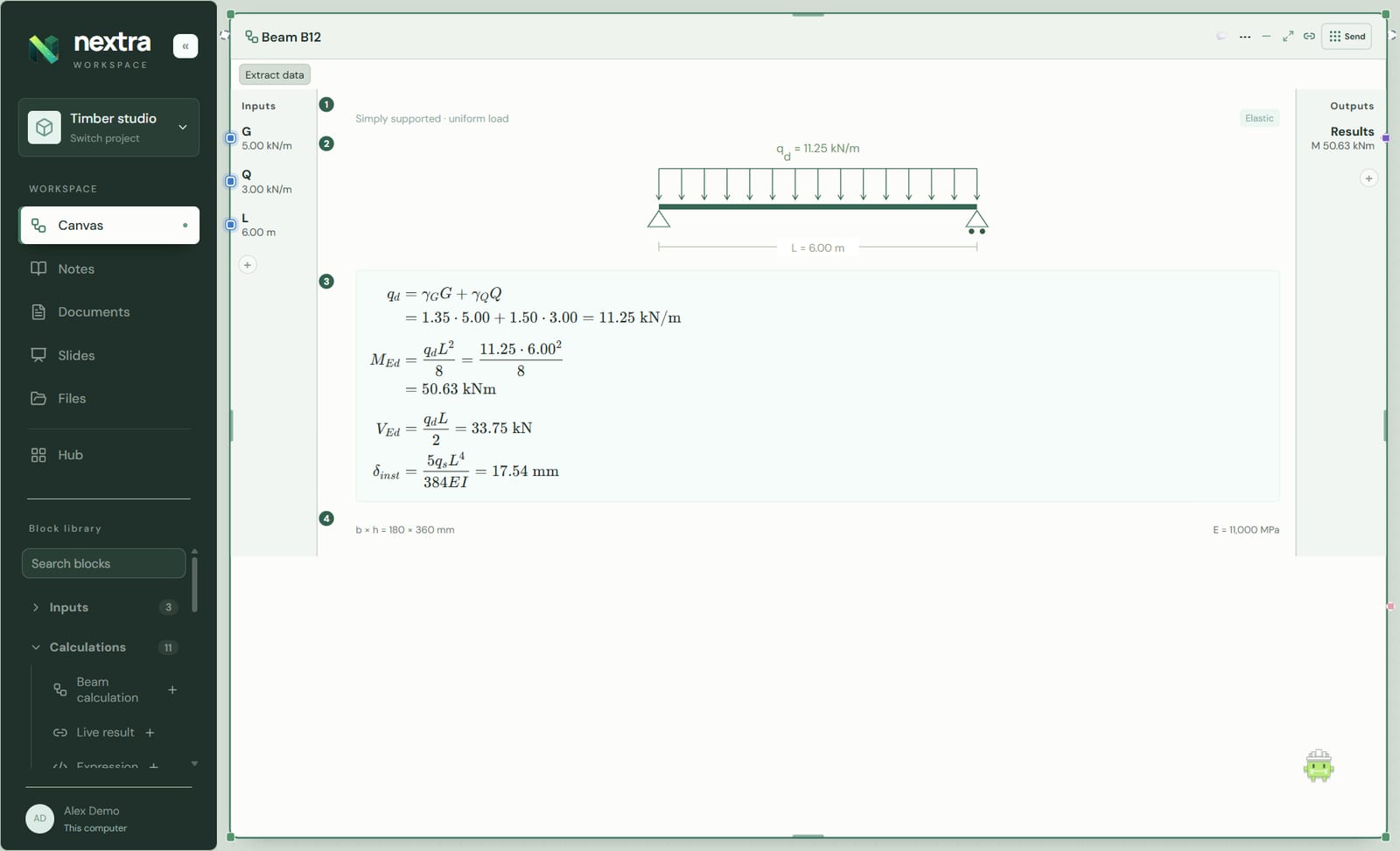
- Save as engine on any calculation card: its inputs and results become the engine's.
- Excel to engine: mark the input cells and the result cells; the sheet becomes an engine for any canvas.
#They are files
Your engines are plain files in your user folder (~/.nextra-notes/plugins/local.my-engines). Copy them to a colleague or keep them in version control.
Keep a hand calculation next to the card: an engine is only as good as its tests.
Nextra Workspace is coming soon. See engines.