 Nextra
How-to21 Nov 2026
Nextra Workspace: one place for calculations, 3D models and the report (coming soon)
The hub of the Nextra tools: a canvas for cards, engines and 3D models, and a LaTeX report that reads their live values. Not released yet; here is what it does.
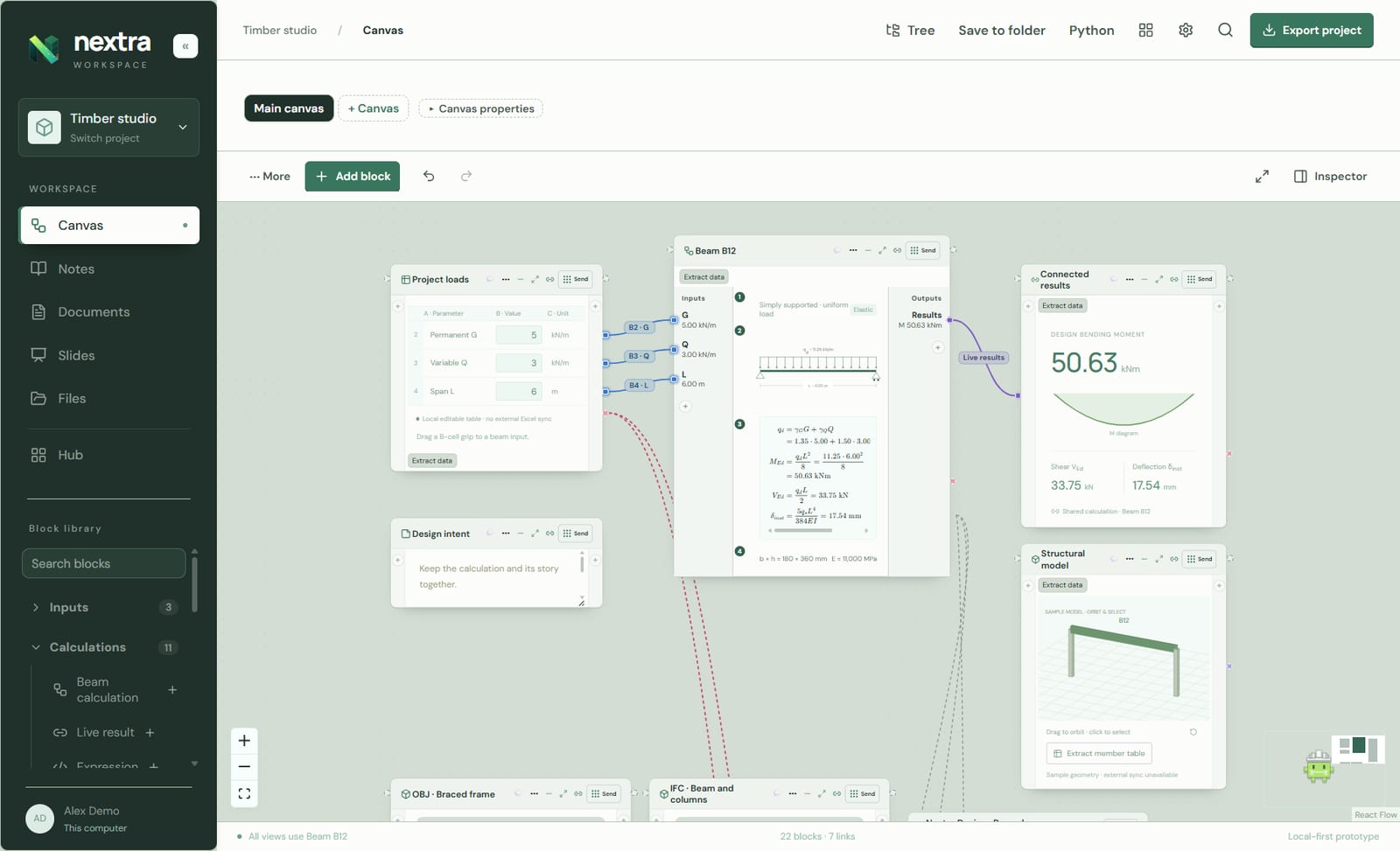
Engineering work is scattered: a spreadsheet for the numbers, a model in another program, a Word or LaTeX file for the report, a PDF somewhere. Nextra Workspace puts them in one project folder. It is coming soon: there is nothing to install yet, but you can read how it works in the docs.
#The canvas
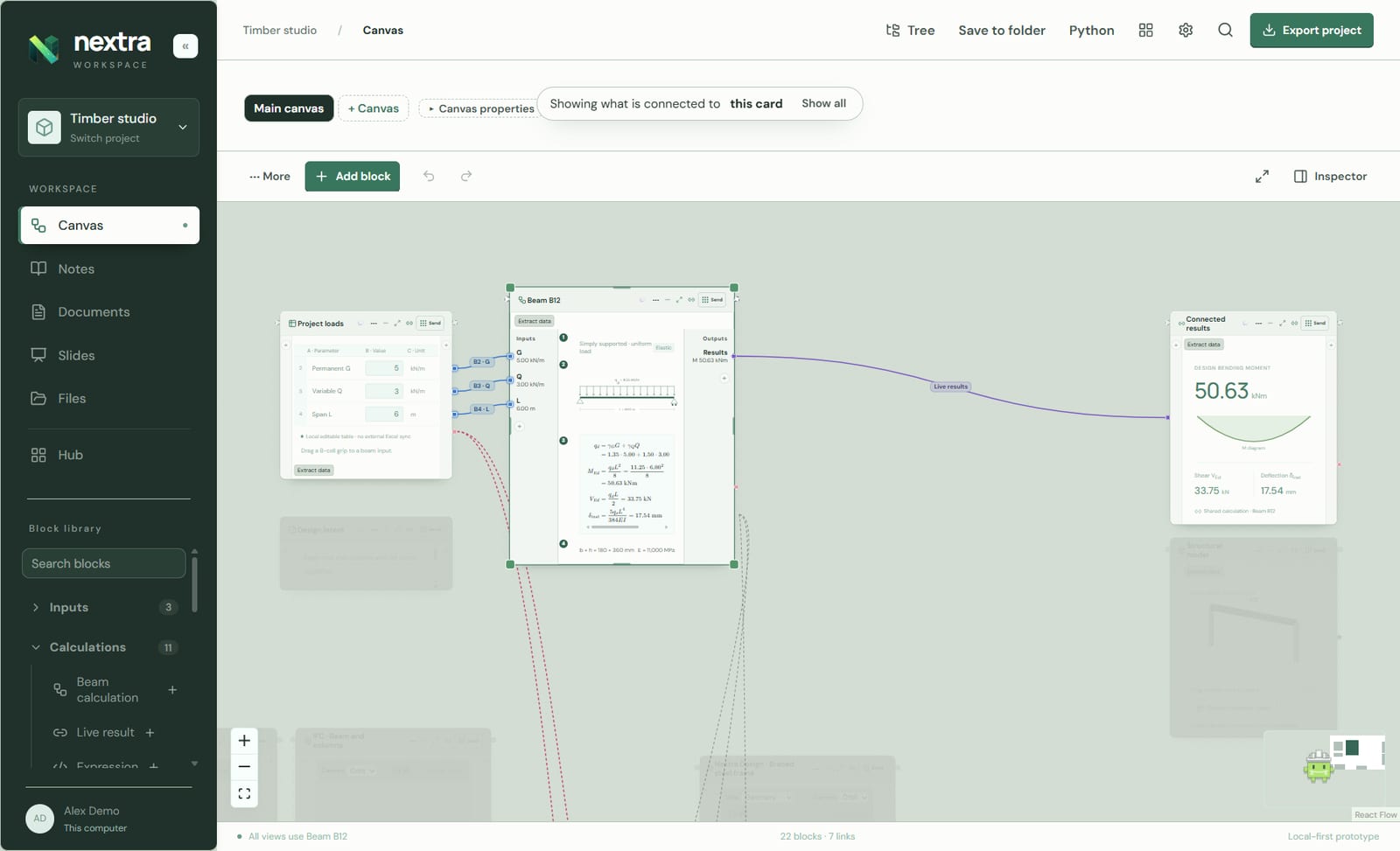
Calculation cards, engines, spreadsheets, notes and 3D models sit on one board. Wires carry typed values between them, so a load on one card is the input of the next. Show connected keeps a card and everything wired to it in view and fades the rest.
#The report reads the canvas
Write [[Beam B12/M_Ed]] in the text and the report shows the live value. Change a load on the canvas and the number follows.
#The hub of the Nextra tools
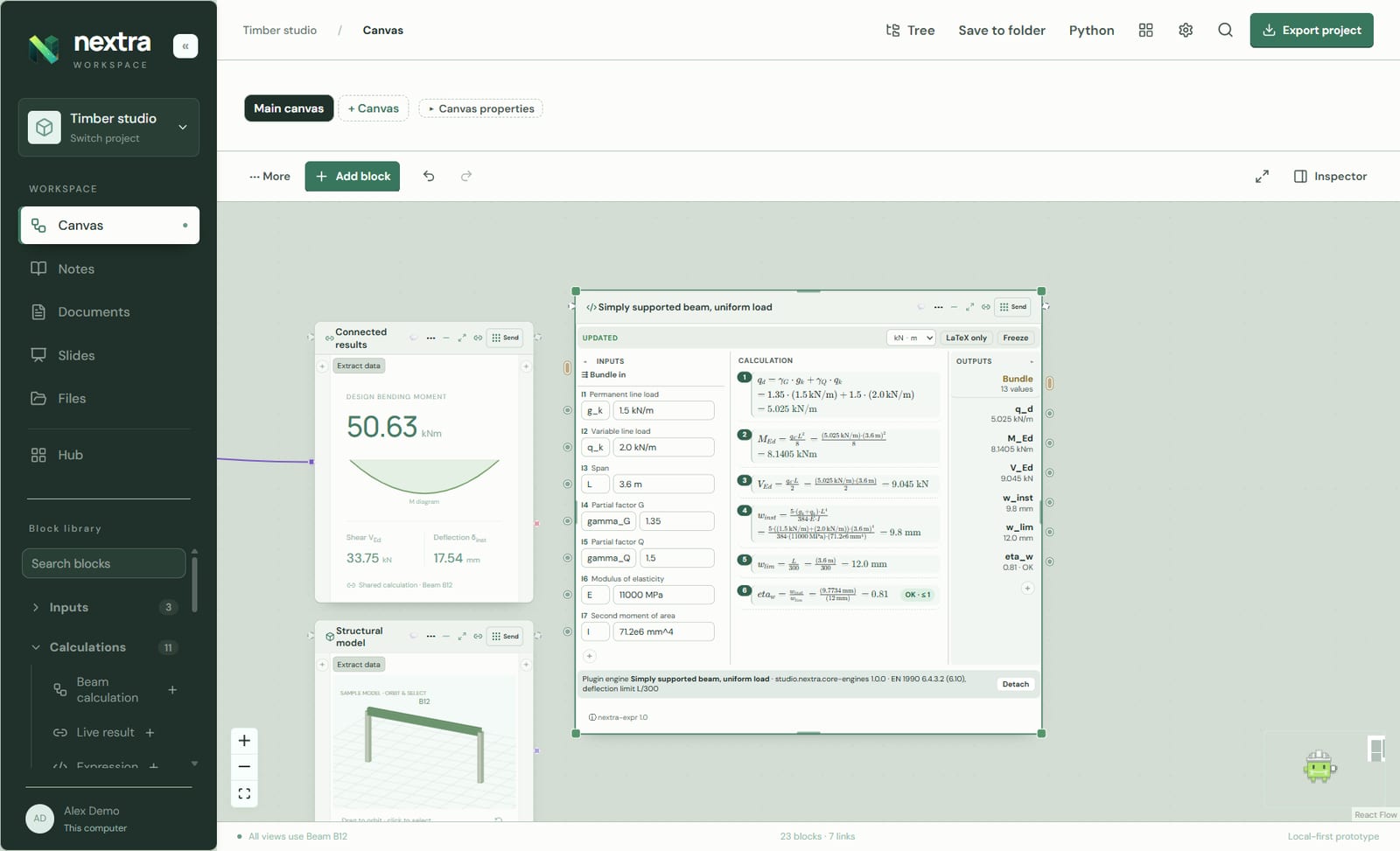
Nextra Design, Nextra RhinoGh, nextra.structuralweb and the engines you make yourself meet on this canvas. What they produce goes straight into the report.
#Fast, and honest about it
A one-sentence edit on a 204-page report shows in the PDF in 1.17 s, against 9.44 s for plain LuaLaTeX. How we measured it.
#What is next
The Windows, Linux and Android installers are not published yet. When they are, the product page will say so.