 Nextra
How-to21 Nov 2026
A 3D model next to the calculation that uses it
Open an IFC, an OBJ or a structure graph on the Nextra Workspace canvas, orbit it, maximize it to the whole page and wire it to the cards that read it.
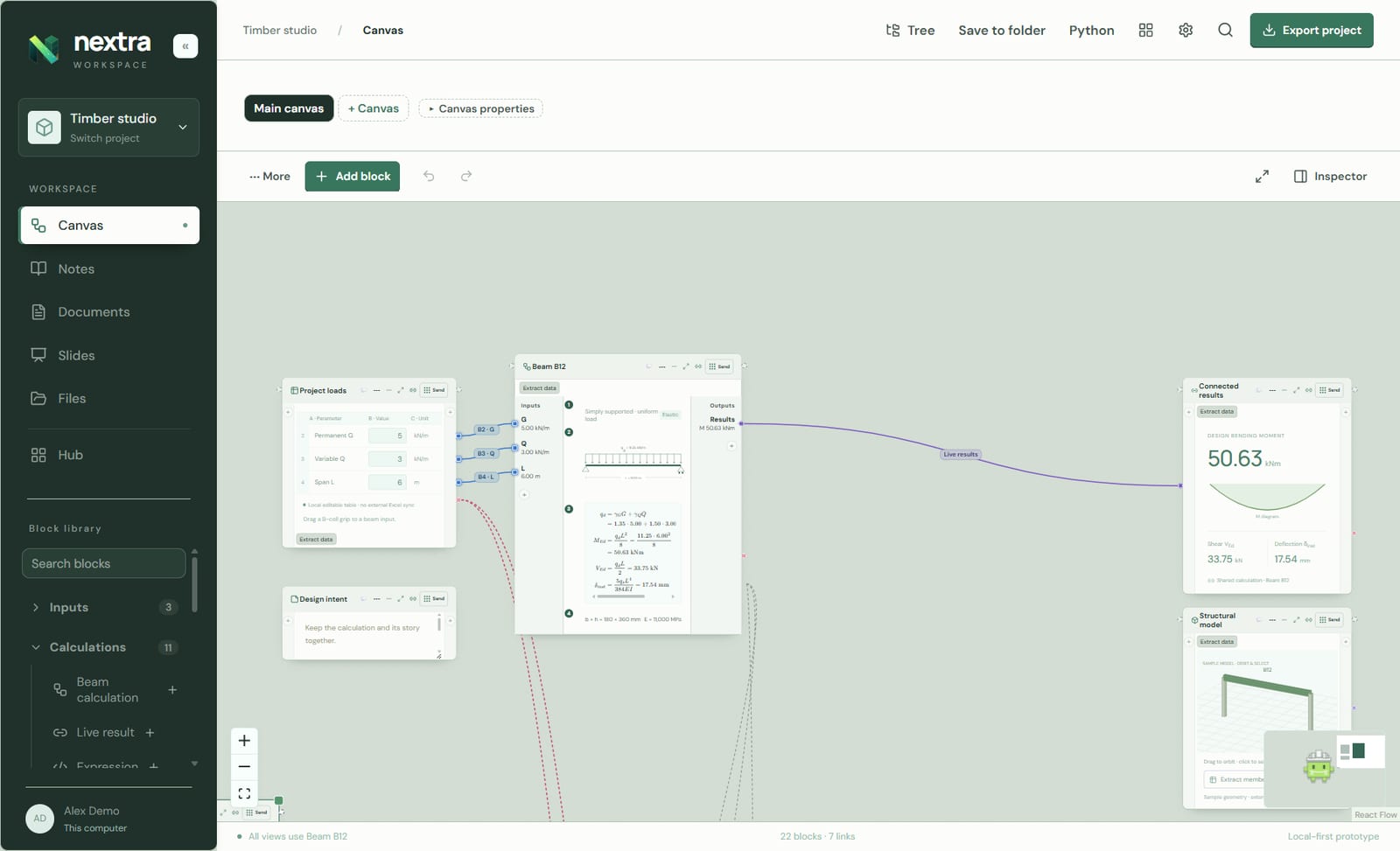
Most calculations start from a model, but the model lives in another window. In Nextra Workspace it is a card on the canvas, next to the calculation.
#What opens
- IFC from a BIM program
- OBJ meshes
- a structure graph: members as dots, connections as lines, as in nextra.structuralweb
#Orbit where it sits, maximize when you need room
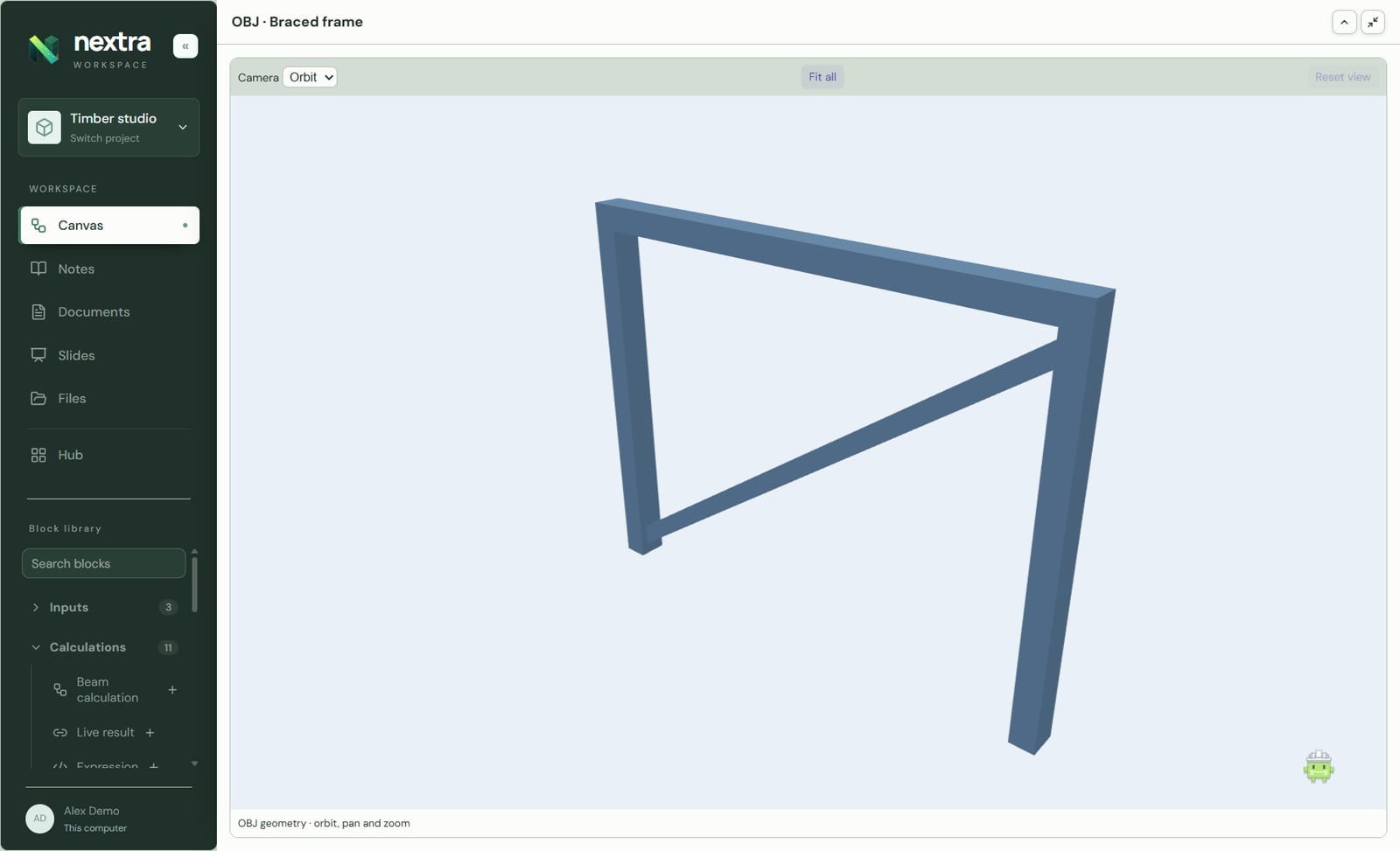
Orbit, pan and zoom inside the card. Press maximize and the 3D stage fills the whole page; minimize and you are back on the canvas with your wires.
#Wire it
The card has grips like any other. Send its member list to a table, or a member's length to a calculation, and the report shows the live value.
Nextra Workspace is coming soon. See 3D models.